
Settings
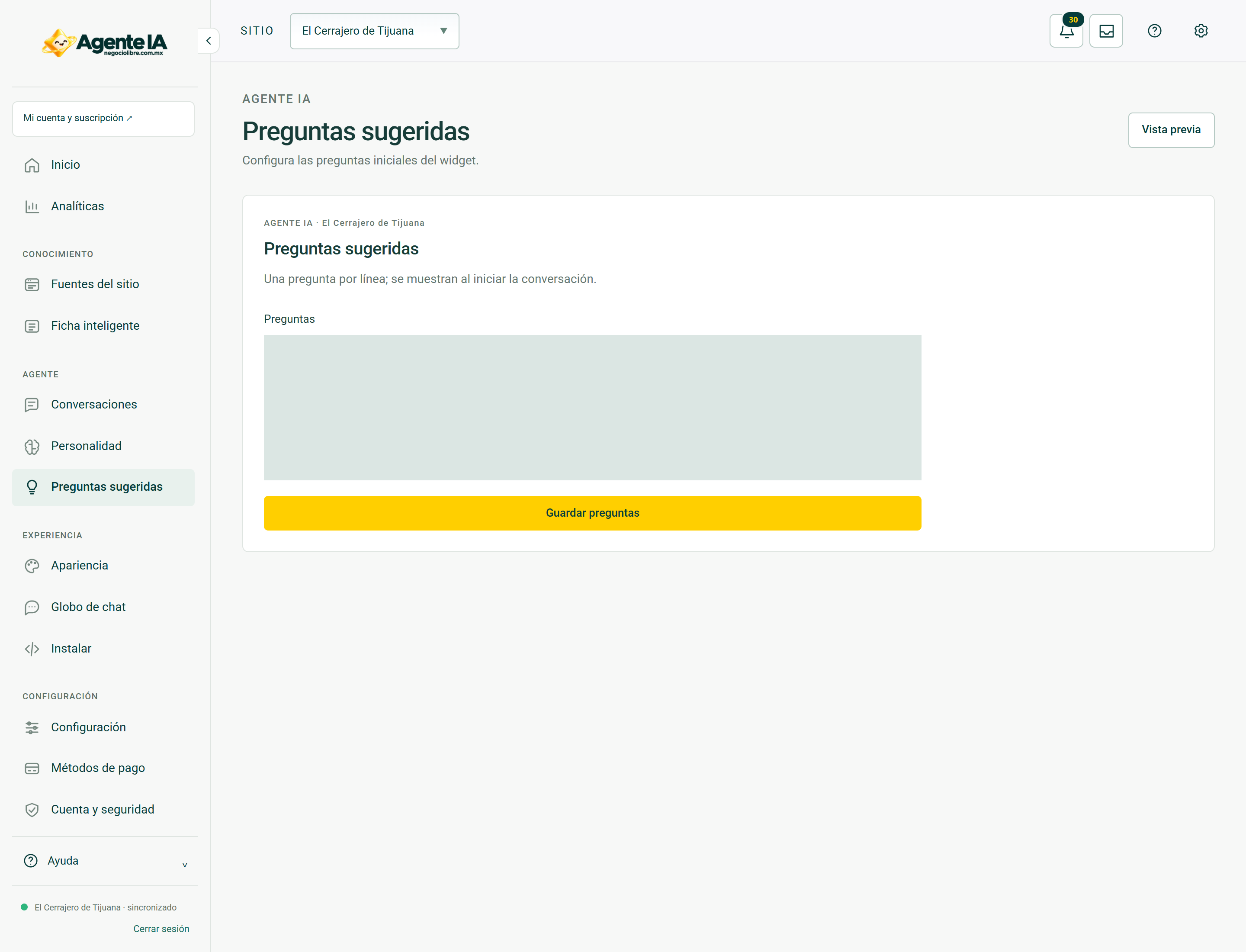
Configure the greeting and suggested questions
Makes it easier to start without filling the window with buttons.
Reviewed October 23, 2026 · Customer guide
Read about this screen’s controls →
Steps
- Review the welcome and public name of the agent.
- In Suggested Questions choose a few useful and different queries.
- Use supported topics: services, schedules, product choice or contact.
- Test each button from the widget and confirm that its response helps you move forward.
Useful writing
Use customer language: “Do you install locks?” It is clearer than an internal technical label. Avoid redundant buttons and questions that promise a feature not yet available.
Coherence
Suggestions are not guaranteed stored responses. Its result depends on the knowledge and configuration of the site. If a button responds poorly, check the source of the data before changing just the button text.
How to verify it worked
Each suggestion generates a relevant query and does not promise actions that the agent cannot perform.