
Business details and advisor contact
Maintain a single contact reference for the agent.
Reviewed October 23, 2026 · Customer guide
Read about this screen’s controls →
Steps
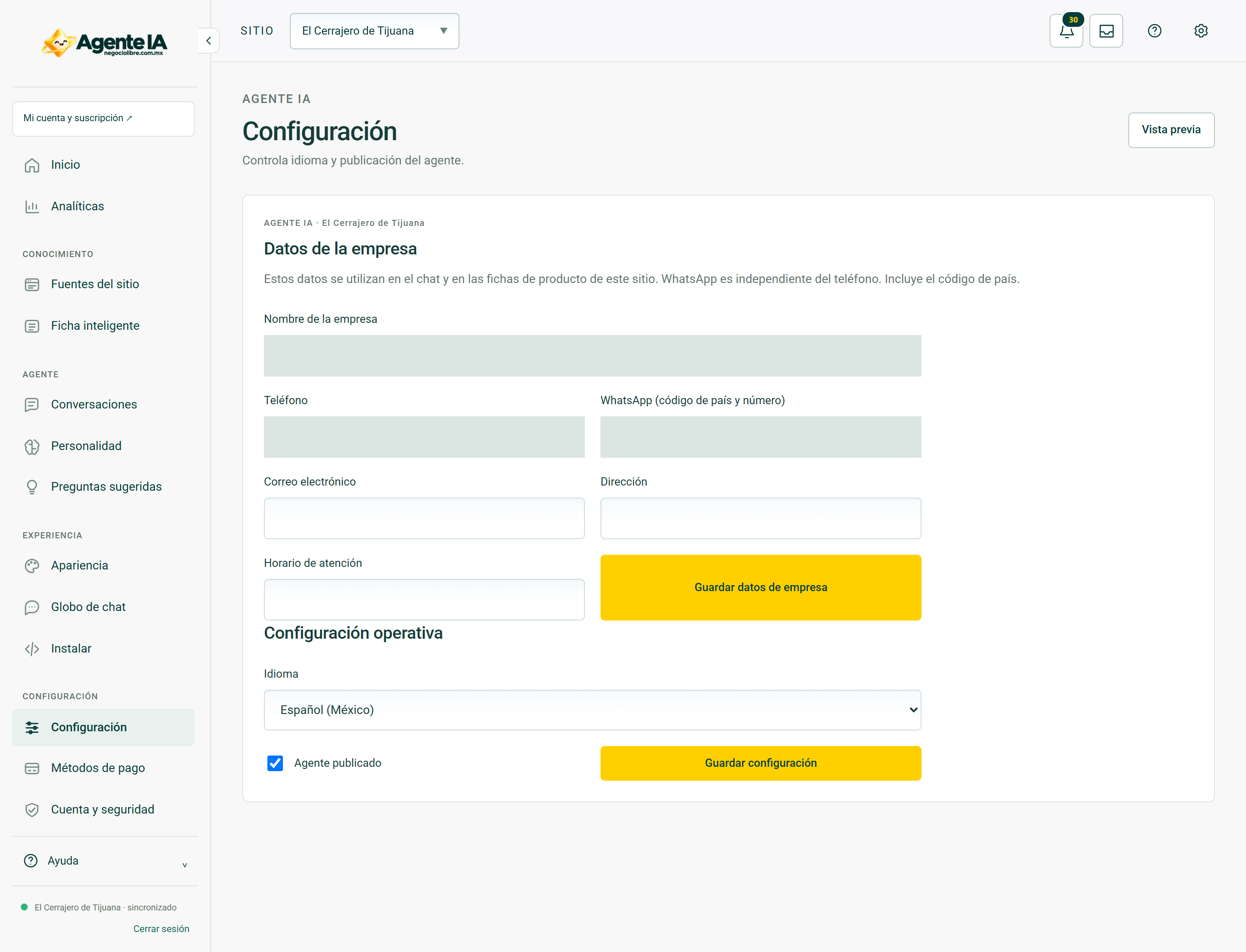
- Open the site’s business data in the dashboard.
- Check name, phone number, WhatsApp, email and address in the available fields.
- Save and check the full international number of WhatsApp.
- On the public site try the advisor button and verify the recipient before publishing.
Do not confuse phone and WhatsApp
A legacy phone can serve as initial data, but it does not prove that it has WhatsApp. Confirm the number and avoid sending visitors to another business contact. Changing the contact in a conversation does not update the central settings.
Human derivation
The contact option makes it easy to continue with a person; It does not promise that someone is connected or that the message has been read. Check the schedule and do not present the referral as a confirmed reservation or sale.
Changes and verification
After saving, reload the widget and open the link. If you keep an old number, report the site and link observed without submitting customer information.
How to verify it worked
The contact on the business profile and the advisor link correspond to the same business.