
Your essential business information in a profile you can review.
The smart tab organizes the data the agent needs to guide your visitors. Services, schedules and contact must be clear and consistent with authorized sources. It does not replace site maintenance: it helps to review in a structured way what information represents your company.
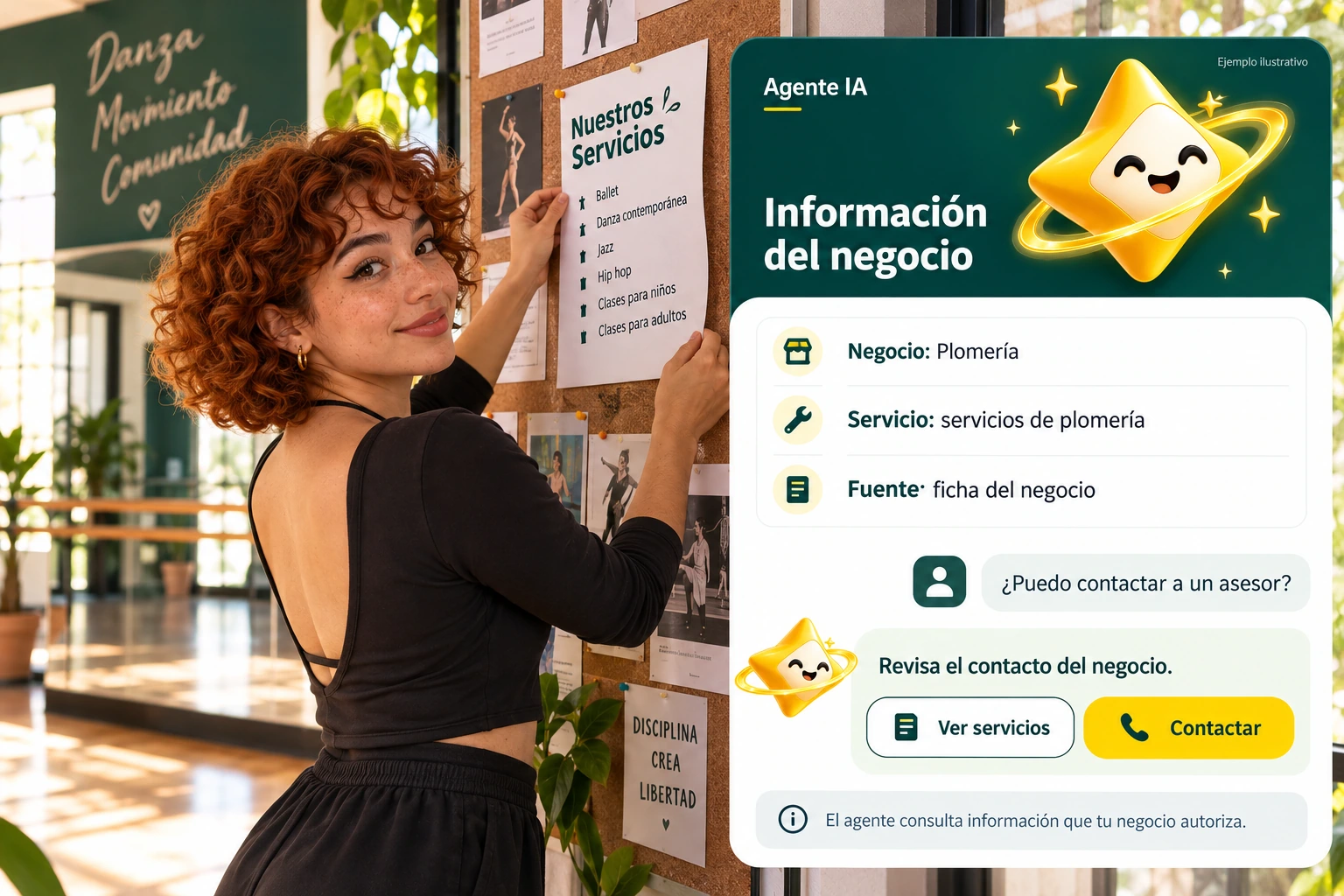

Structure before accumulating information.
Complete the available fields with specific data and review what objective each one fulfills. A service needs a useful description; a contact needs a correct destination. Do not mix public information with internal notes that the visitor should not know.
Check that the data matches the site and other connected sources. If you find two different times, correct the contradiction before trying to resolve it with style instructions.
- Use verifiable data.
- Avoid private information.
- Resolves contradictions between sources.
An updated schedule
If the opening hours change, correct the information where appropriate and review the connected sources. Then ask about opening and contact after hours. Validation should check the information, not just that the response sounds friendly or matches a previous capture.
Explanatory example; It does not consult your account or modify data.
The record also needs proof.
Prepare questions that correspond to the data you just reviewed. Contrast the answers with the authorized information and also test a query for which there is not enough data.
After modifying an important field, review the affected questions again. Separating data correction from personality adjustments allows investigation of the correct cause of an incorrect response.
- Relate fields and questions.
- Test missing information.
- Repeat the review after the changes.
A tour that you can check.
- Review the fields on the sheet.
- Contrast the data with authorized sources.
- Try questions and correct the source.
Questions about smart token
Can the sheet be filled out with assumptions?
No. Use authorized business information and make clear the data that still requires confirmation.
Does it replace site fonts?
Not necessarily. Check how they complement each other in your account and avoid contradictions.
Where do I make real changes?
On the authenticated panel tab of the corresponding site.
See the actual steps and controls.
Settings depend on your account permission, integration, and scope. The guide documents how to locate options without confusing an illustration with a completed trade.
Open the corresponding guide →Take this experience to your business.
Review business options and scope before subscription.
Know the options →I already have an account