Prepare your agent to assist customers
Set up knowledge, identity, and publication in that order.
Reviewed October 23, 2026 · Customer guide
Read about this screen’s controls →
Steps
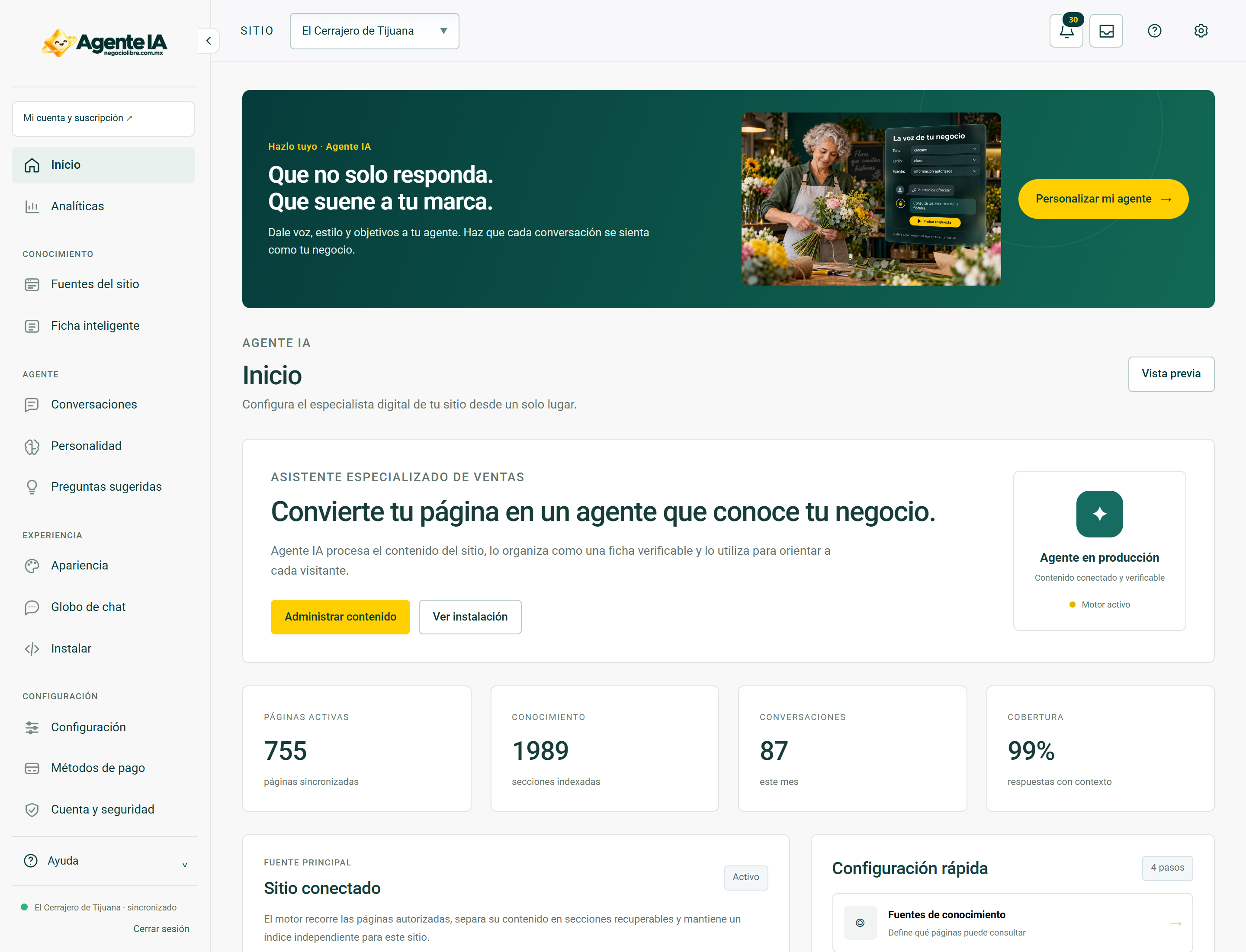
- Access the Agente IA panel and select or add your business site.
- Review site Feeds and sync authorized content.
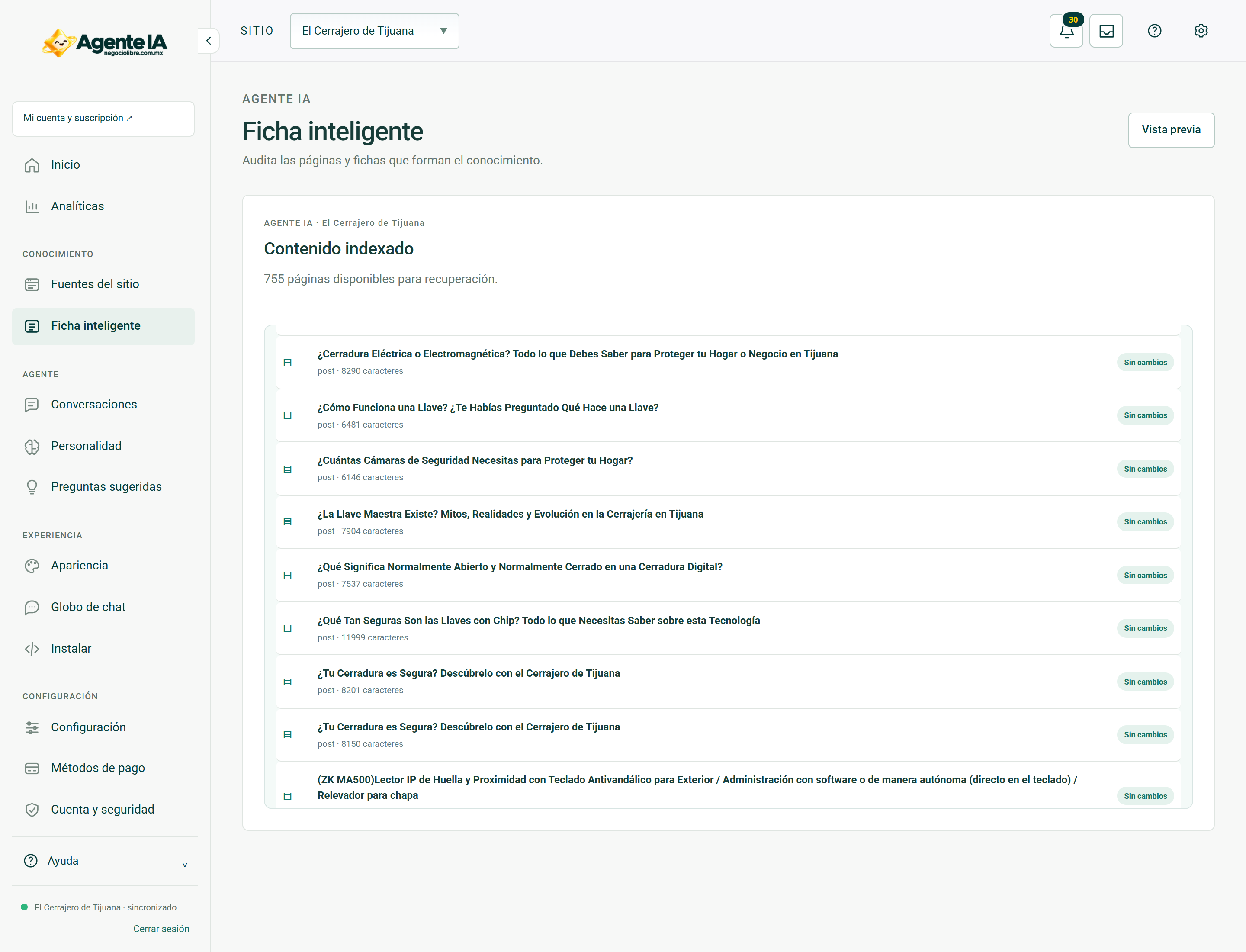
- Check the Smart Listing and correct business information before customizing the ringtone.
- Configure personality, suggested questions, appearance and contact with advisor.
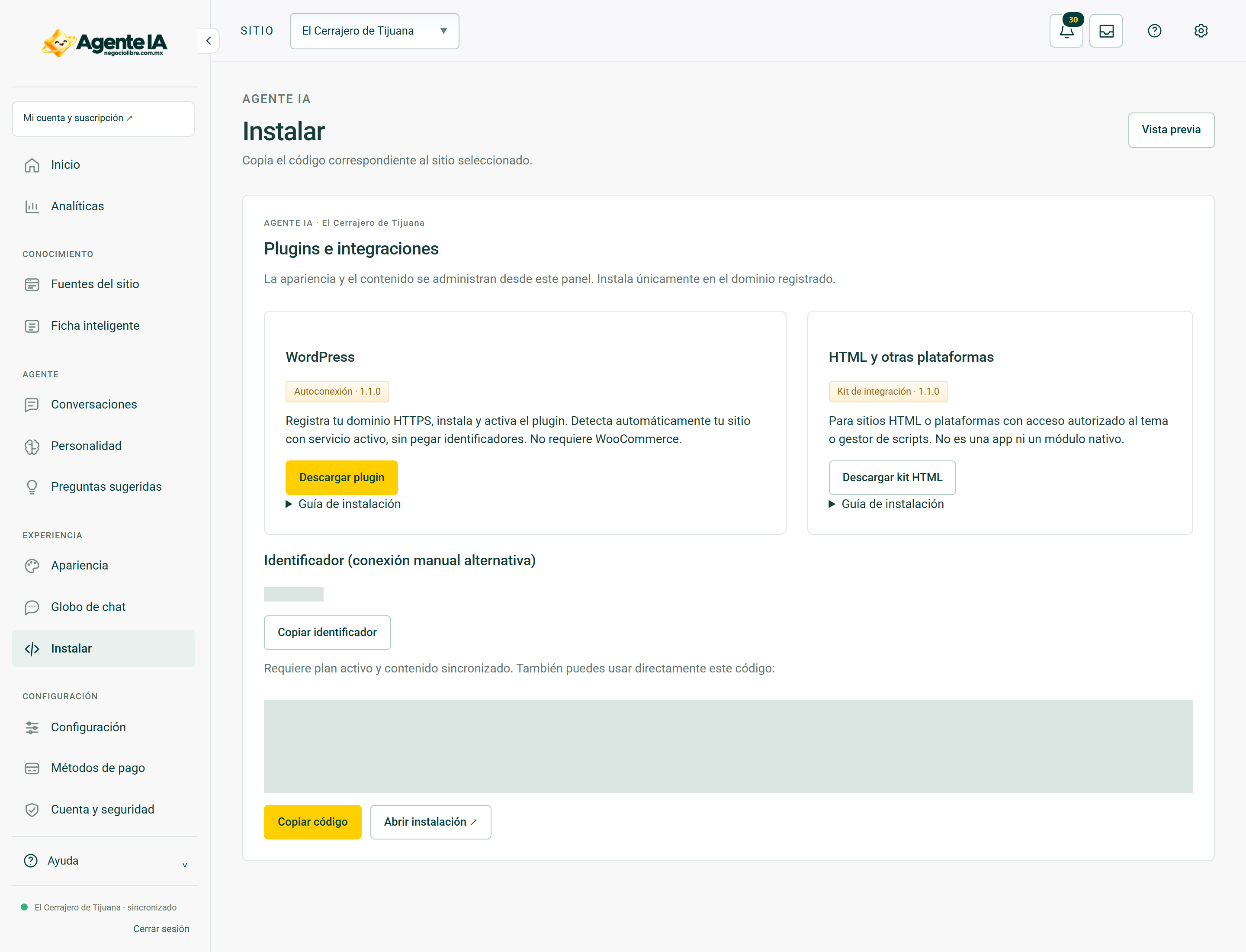
- Install the agent and try real questions from the public site.
What the product does
The agent uses content and data from your business to guide the visitor. You do not get permission to invent availability, guarantees or features when the content does not support them.
Minimal preparation
You need a domain and updated public content, contact information, and a person to validate the answers. The agent does not replace the technical sheet of a product or human confirmation of special cases.
How to verify it worked
Correctly answers services, schedules and contact, recognizes what you don’t know and offers an appropriate next action.
Real screens to guide you
These screenshots document system views with private fields hidden. In access and troubleshooting guides, they show the context you should be able to review after recovering your session; they do not show a simulated error or a sign-in form.