
Review your agent’s activity in context.
Analytics helps review how experience is used and what needs investigation. Select the correct site and period and view the report definitions. Recorded activity does not automatically equate to new customers, sales, or a complete measure of quality.

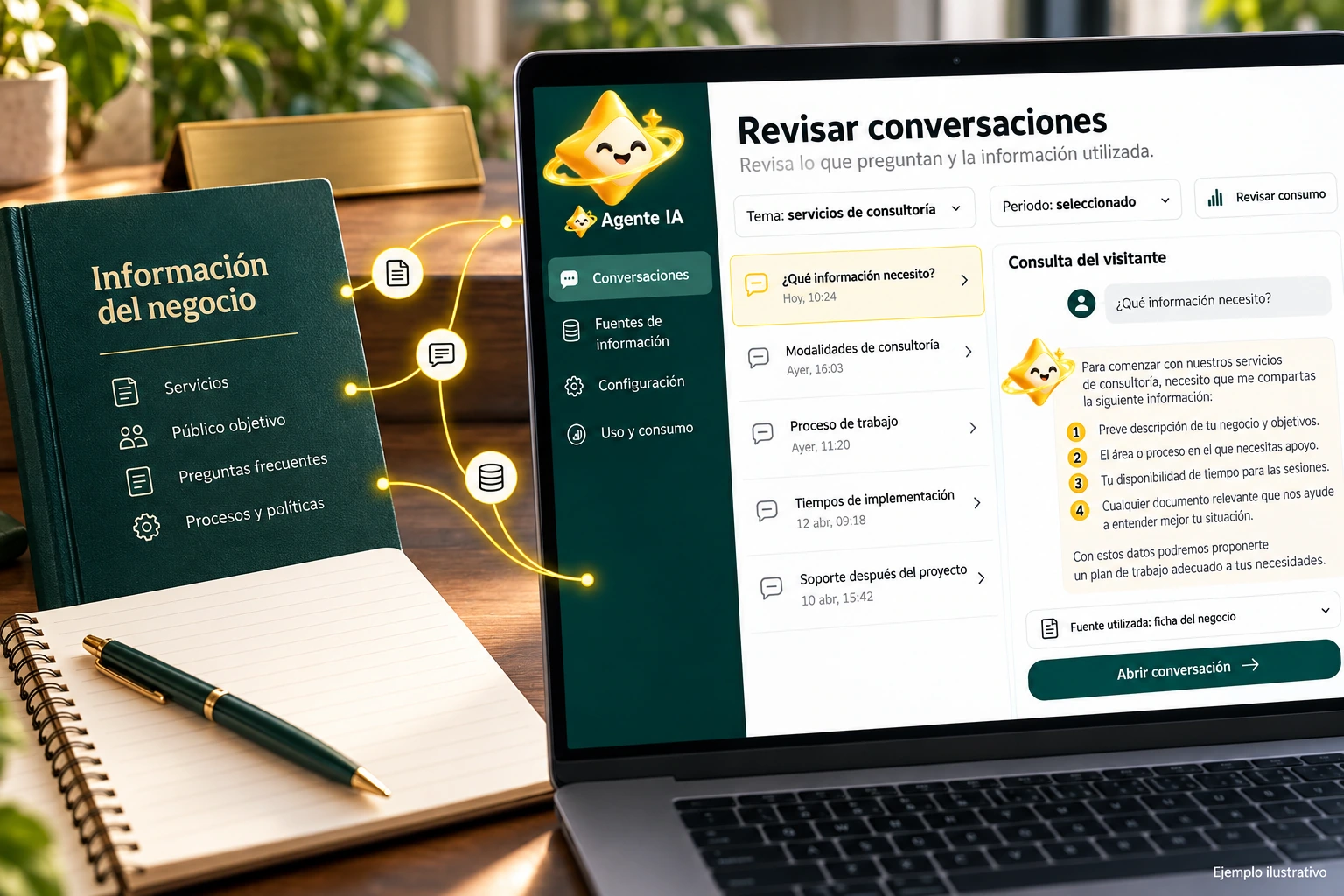
Read each indicator for what it represents.
A conversation, a message and a response are different units. Review the context of the panel before comparing figures and do not convert an activity total into unique people without a definition to support it.
If you manage multiple sites, check which one is selected. Traffic, installation or configuration changes may alter the results and need to be considered when comparing periods.
- Check site and period.
- Distinguish messages and conversations.
- Review installation changes.
After updating a font
If you modified the business services, use control questions to review the information and observe the corresponding activity. Don’t attribute every change in volume to that change: also review visits, dates and other site movements. Analytics guides research, it does not replace checking answers.
Explanatory example; It does not consult your account or modify data.
Relates the data to a specific review.
An increase in activity may prompt a review of sources or queries, but it does not in itself prove that the responses were useful. Contrast the reports with evidence and with the conversations available for your role.
Make limited changes and observe a comparable period. Separate the agent’s activity from the commercial quota and the supplier’s internal budget to avoid mixing metrics that answer different questions.
- Use comparable periods.
- Relate metrics to tests.
- Separates activity, quota and internal cost.
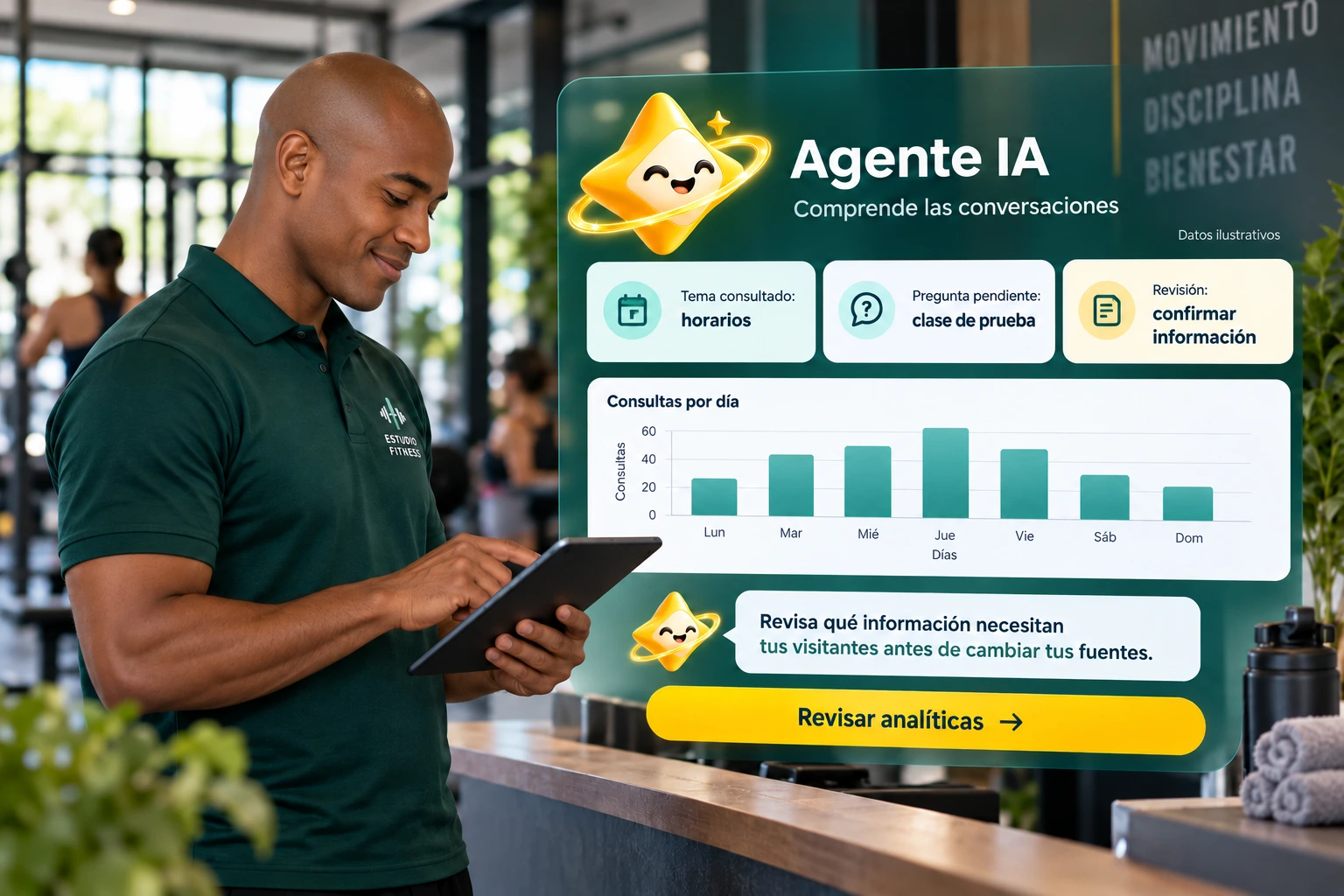
A tour that you can check.
- Select site and period.
- Review the available definitions.
- Investigate a signal and check its context.
Agent Analytics Questions
Does the activity demonstrate sales?
Not by itself. Sales require transaction data and defined attribution.
Is it the same as plan consumption?
No. Analytical activity and commercial quota must be interpreted separately.
Can I consult any site?
Only the sites and data authorized for your account and role.
See the actual steps and controls.
Settings depend on your account permission, integration, and scope. The guide documents how to locate options without confusing an illustration with a completed trade.
Open the corresponding guide →Take this experience to your business.
Review business options and scope before subscription.
Know the options →I already have an account