
Make your chat feel like part of your website.
The appearance of the agent brings together identity, reading and access to the conversation. Check colors, avatar and balloon with the real page in the background. An integrated chat should be able to be opened, used and closed without obscuring important actions or losing legibility on the phone.
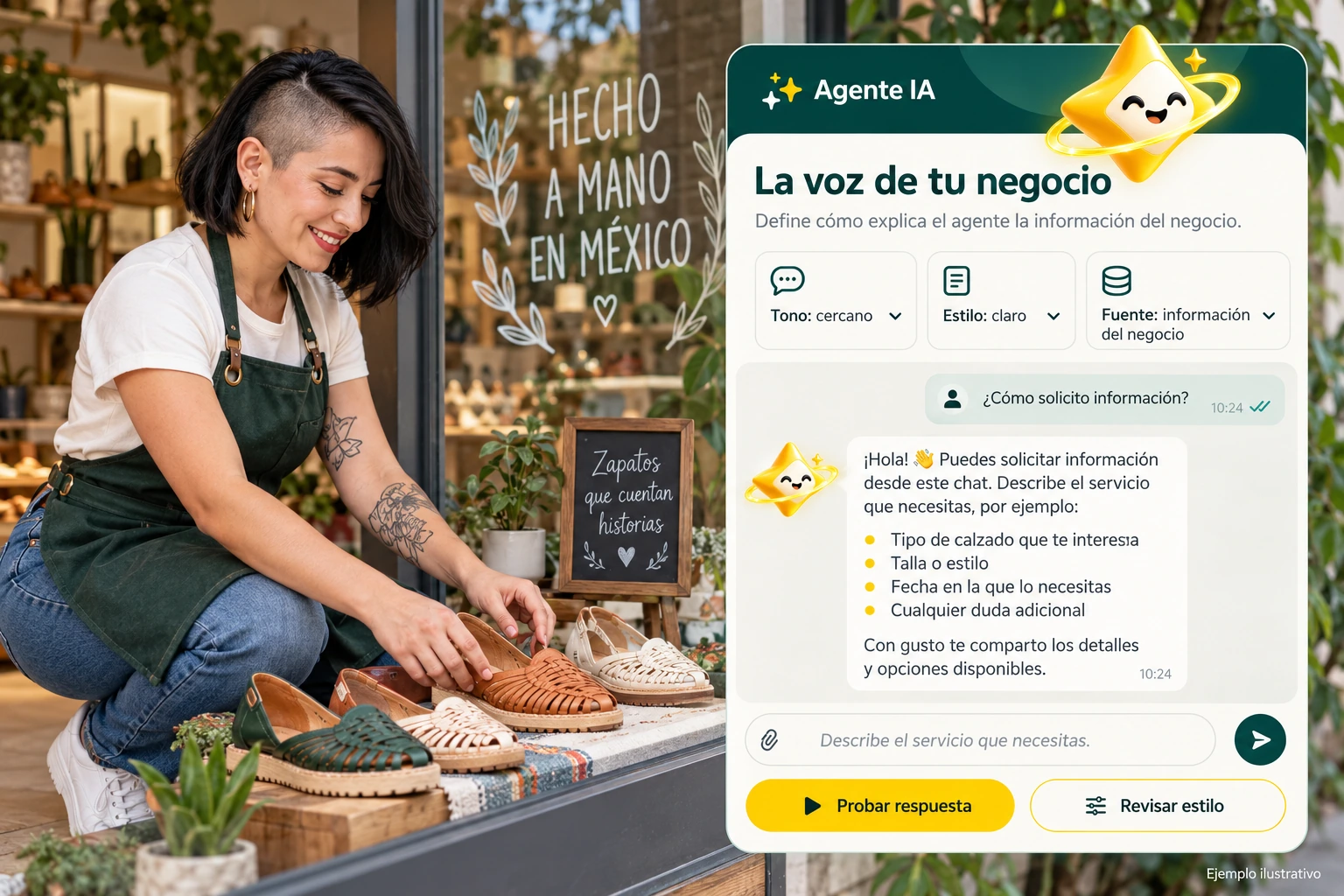
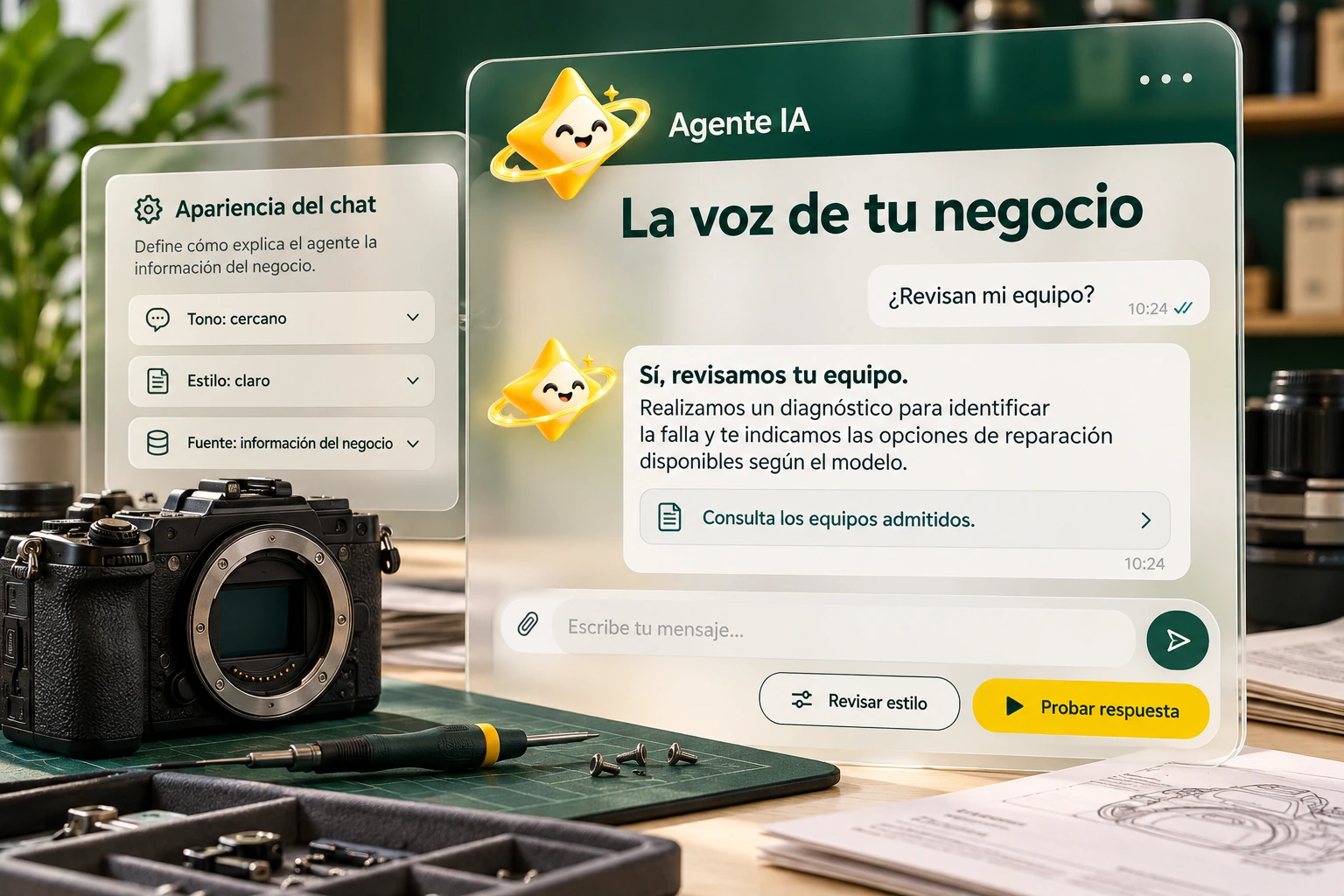
Visual identity with a clear function.
Use the appearance options available for your account. Maintain consistency with the brand and check that the text stands out against the backgrounds of messages and controls.
Review the avatar and graphic assets with their real proportions. A recognizable identity does not require saturating each element with color or repeating the logo in all spaces.
- Check contrast and reading.
- Respect proportions of resources.
- Reserve accents for actions.
A site with another floating button
If your page already has a contact action in a corner, make sure it doesn’t occupy the same place as the agent balloon. Decide on a presentation consistent with the available options and try the full route. The objective is to facilitate attention, not to add two controls that get in the way.
Explanatory example; It does not consult your account or modify data.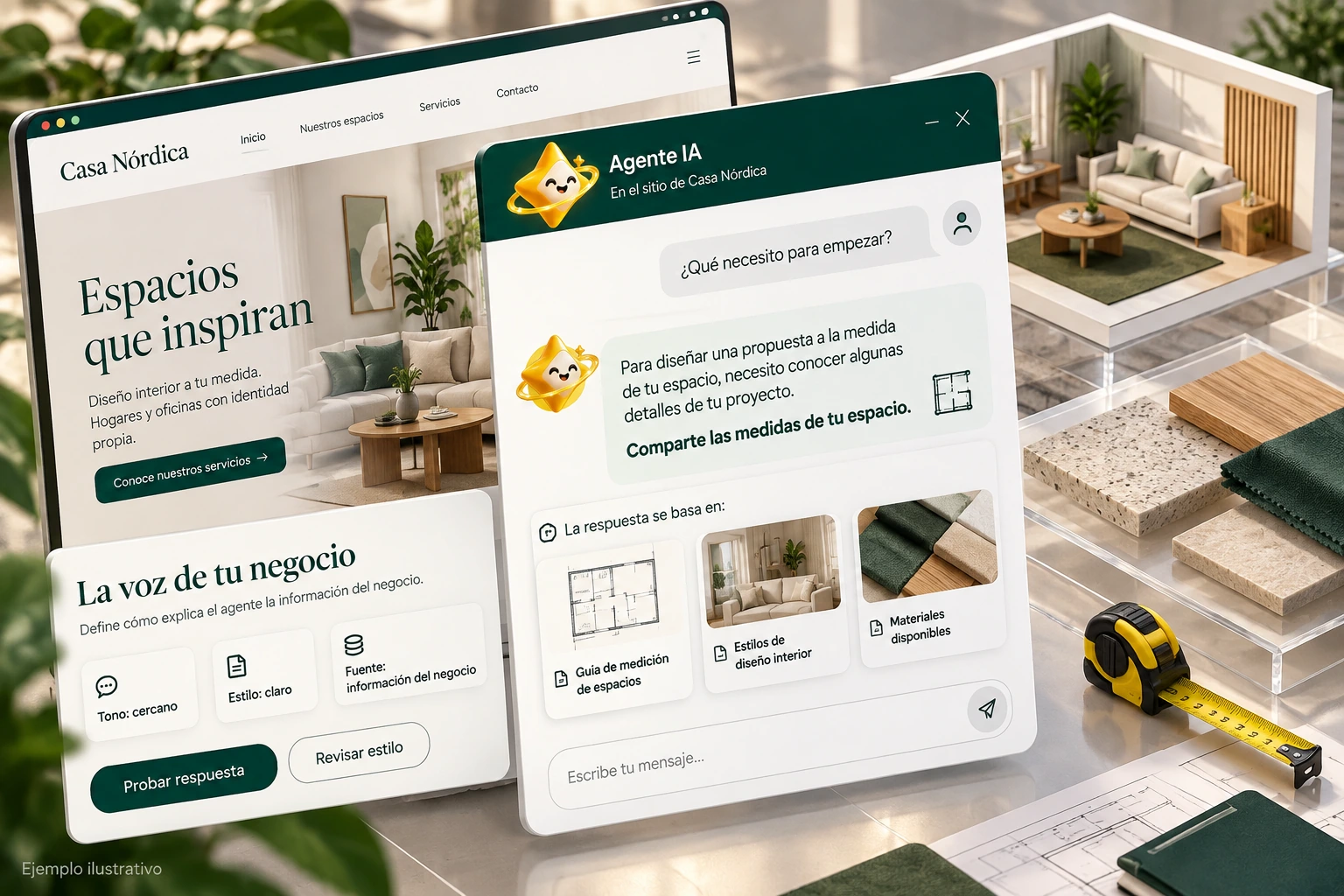
The balloon lives inside a page.
Test the opening and closing on your site, not just in a preview. Check to see if it matches a floating button, bar, or important form and check the space available for writing.
Repeat the review on mobile and desktop. Keep visible how to send the message and how to continue to the contact when that option corresponds to the business configuration.
- Open and close the experience.
- Check the message field.
- Check for conflicts with other elements.
A tour that you can check.
- Check identity and presentation.
- Check the chat within the site.
- Test reading and controls on two screens.
Chat Appearance Questions
Are appearance and personality the same?
No. One modifies the presentation; the other guides the way of conversing.
Do changes to this landing affect my chat?
No. The actual configuration is saved in the authenticated panel.
Should I test the balloon after changing the site theme?
Yes. The new context may affect position, contrast or available space.
See the actual steps and controls.
Settings depend on your account permission, integration, and scope. The guide documents how to locate options without confusing an illustration with a completed trade.
Open the corresponding guide →Take this experience to your business.
Review business options and scope before subscription.
Know the options →I already have an account