
Keys, data and secure practices
Protect dashboard access and your business integrations.
Reviewed October 23, 2026 · Customer guide
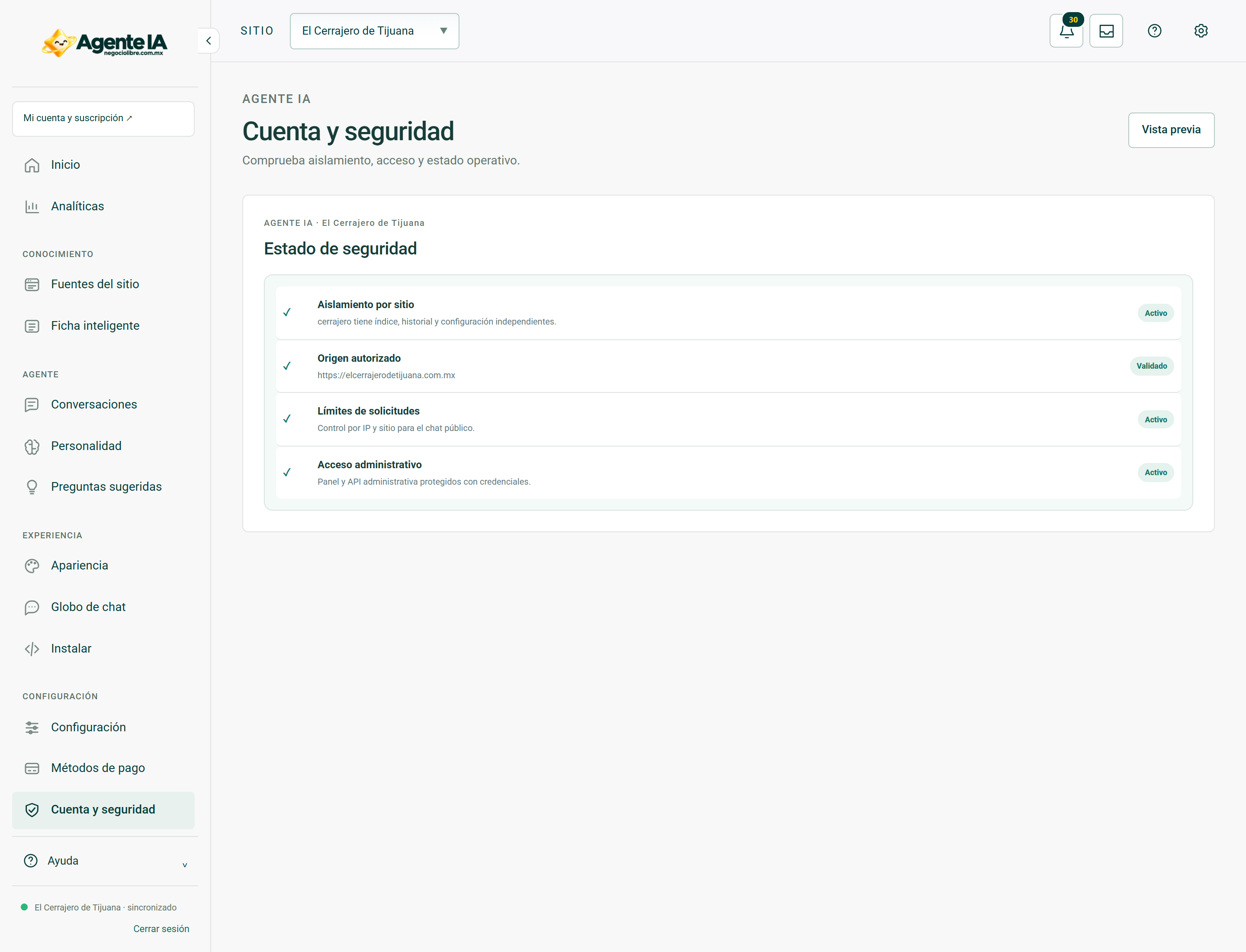
Read about this screen’s controls →
Steps
- Use individual accounts and unique passwords. Do not publish keys in screenshots, group emails or repositories.
- Install only the connector obtained from your account and verify the destination domain.
- Revoke unused credentials and review security notices.
Public does not mean administrative
A public key enables only its intended public features. Private tokens are for server integrations and must not be included in public JavaScript. AI provider credentials belong to internal administration.
What to send to support
Include the product, affected website, URL, time with time zone, steps and error message. Hide personal data, keys, cookies and tokens. Never send passwords or customers’ card details.
Privacy
Do not include sensitive information in public text, agent instructions or product data. Publishing a privacy policy and meeting the business’s obligations remain the website operator’s responsibility. This guide does not replace a legal review.
How to verify it worked
A visitor to the public website should not be able to save administrative settings.