
Start with clear information and a complete test.
Creating an agent for your business starts by defining who you guide and what information they can do it with. Prepare a first reviewable configuration, test representative questions and publish after checking the walkthrough. You don’t need to replace that process with a collection of instructions that no one can validate.
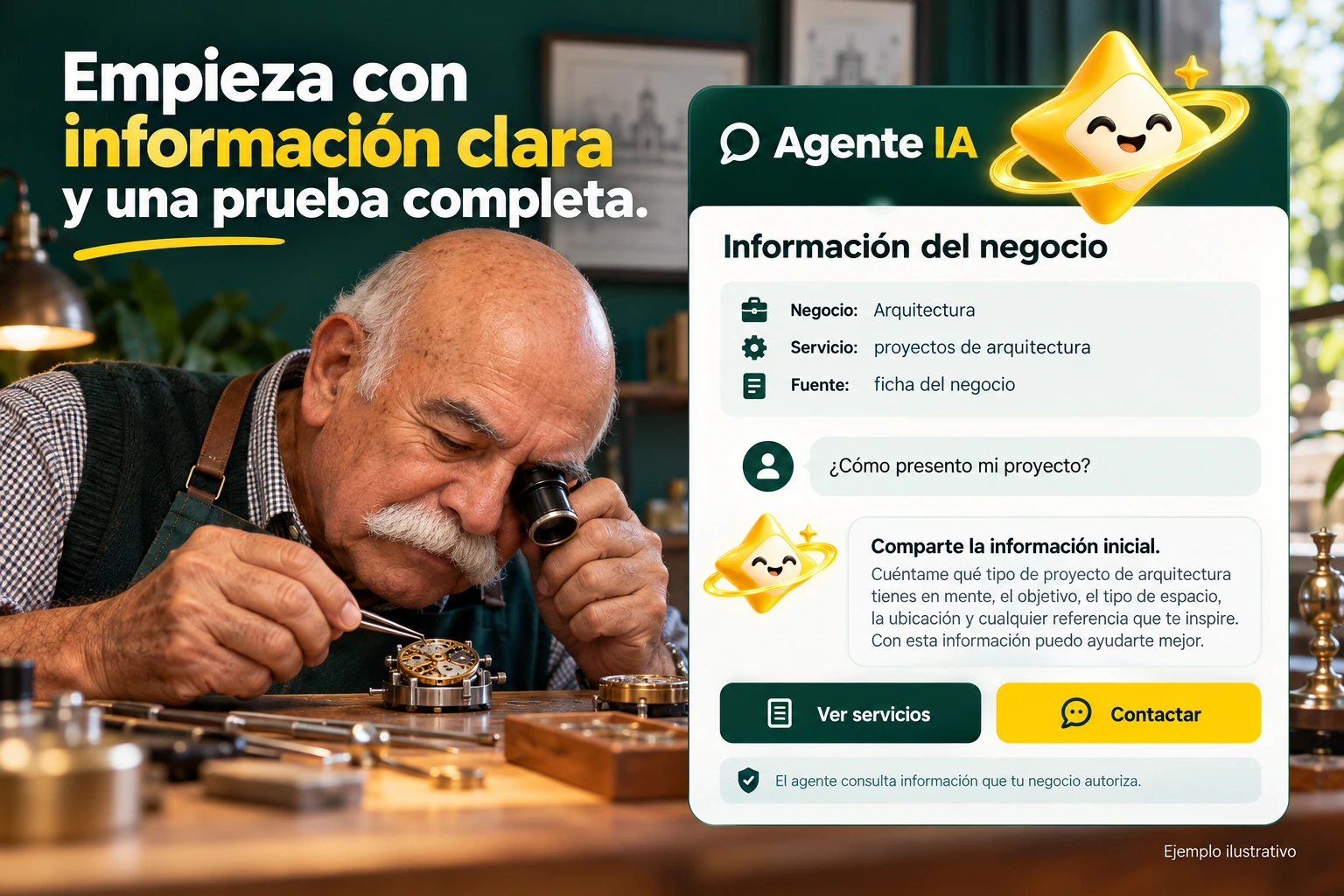

Define a first version with clear scope.
Select the site and gather its essential data: services, schedules, conditions and contact. Review authorized sources and complete the form with coherent information.
Choose an appropriate tone and readable presentation. Personality helps to communicate, but it should not introduce a different offer or complete data that is still missing.
- Define site and objective.
- Prepare sources and sheet.
- Choose a verifiable style.
A first list of questions
Choose questions about services, hours and contact, plus a condition that the business has not yet confirmed. The first version should explain what you know and acknowledge what is missing. Then check how the chat opens, how it is written and where the contact action leads.
Explanatory example; It does not consult your account or modify data.
Test before expanding.
It includes frequently asked questions, an ambiguous case, missing information and a request for an advisor. Review several turns and compare the answers with the sources.
Then install and verify the chat within your site on mobile and desktop. Use authorized activity and conversations to prioritize improvements without changing multiple causes at once.
- Test doubts and limits.
- Check installation and contact.
- Introduce improvements one at a time.
A tour that you can check.
- Organize information and objective.
- Configure and test a first version.
- Install, verify and review activity.
Questions about reviewing how to get started
Do I need to have an answer to any question?
No. It defines the scope and the next step when information is missing or a person is needed.
Can I start with just one bold shade?
Personality does not replace correct sources, records and data.
What do I review after publishing?
Installation, important questions, information changes and consumption of your account.
See the actual steps and controls.
Settings depend on your account permission, integration, and scope. The guide documents how to locate options without confusing an illustration with a completed trade.
Open the corresponding guide →Take this experience to your business.
Review business options and scope before subscription.
Know the options →I already have an account