
Review the context, not just an isolated answer.
The conversations available on the dashboard allow you to investigate care with greater context. Review the sequence, identify what information existed, and determine if the problem is with a source, an instruction, or a next step. Maintain the privacy and authorized scope of your account.
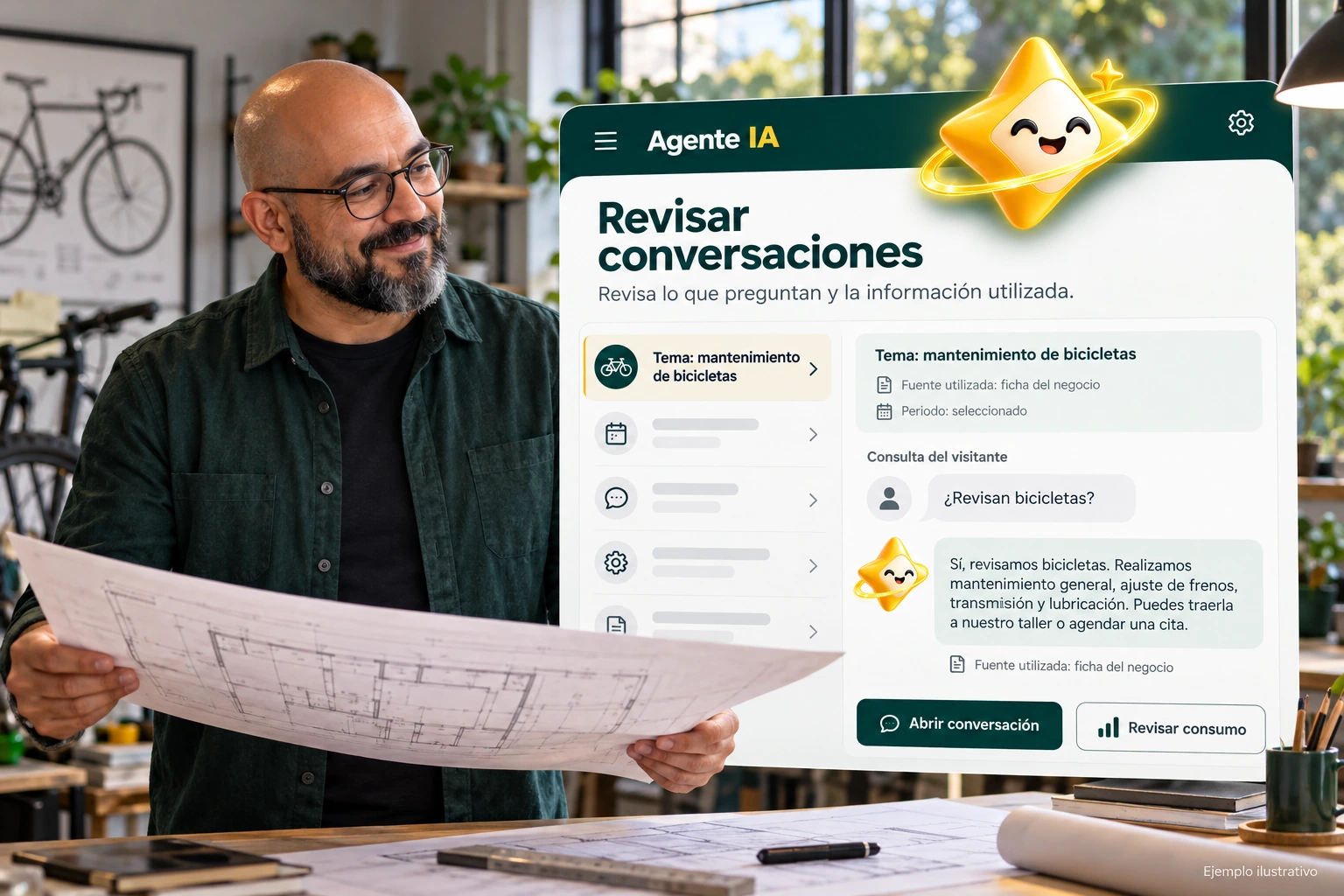

Understand what happened before correcting.
Select the conversation and review the available messages in order. An answer that seems strange in isolation may depend on a previous question, a clarification, or a piece of information that was not present.
Identify the point where orientation is lost. Distinguishes a lack of information from an unclear expression or a request that needs human assistance. Each cause requires a different correction.
- Check the available sequence.
- Identify the point of confusion.
- Separate data and behavior.
A query that ends up asking for an advisor
Check if the visitor requested contact from the beginning or after several clarifications. Check the offered channel and the missing information. Don’t assume history transfer to another tool: check the actual scope of the configured contact before describing it as a full integration.
Explanatory example; It does not consult your account or modify data.
Turn the review into a reproducible test.
Correct the appropriate source or instruction and write a test case without including unnecessary personal data. Repeat the situation and see if the change preserves the authorized conditions of the business.
Do not post screenshots of private conversations as promotional material. Limit the review to authorized people and use clearly identified fictitious examples when you need to explain a case outside of the panel.
- Avoid exposing private information.
- Correct the identified cause.
- Repeat the case with test data.
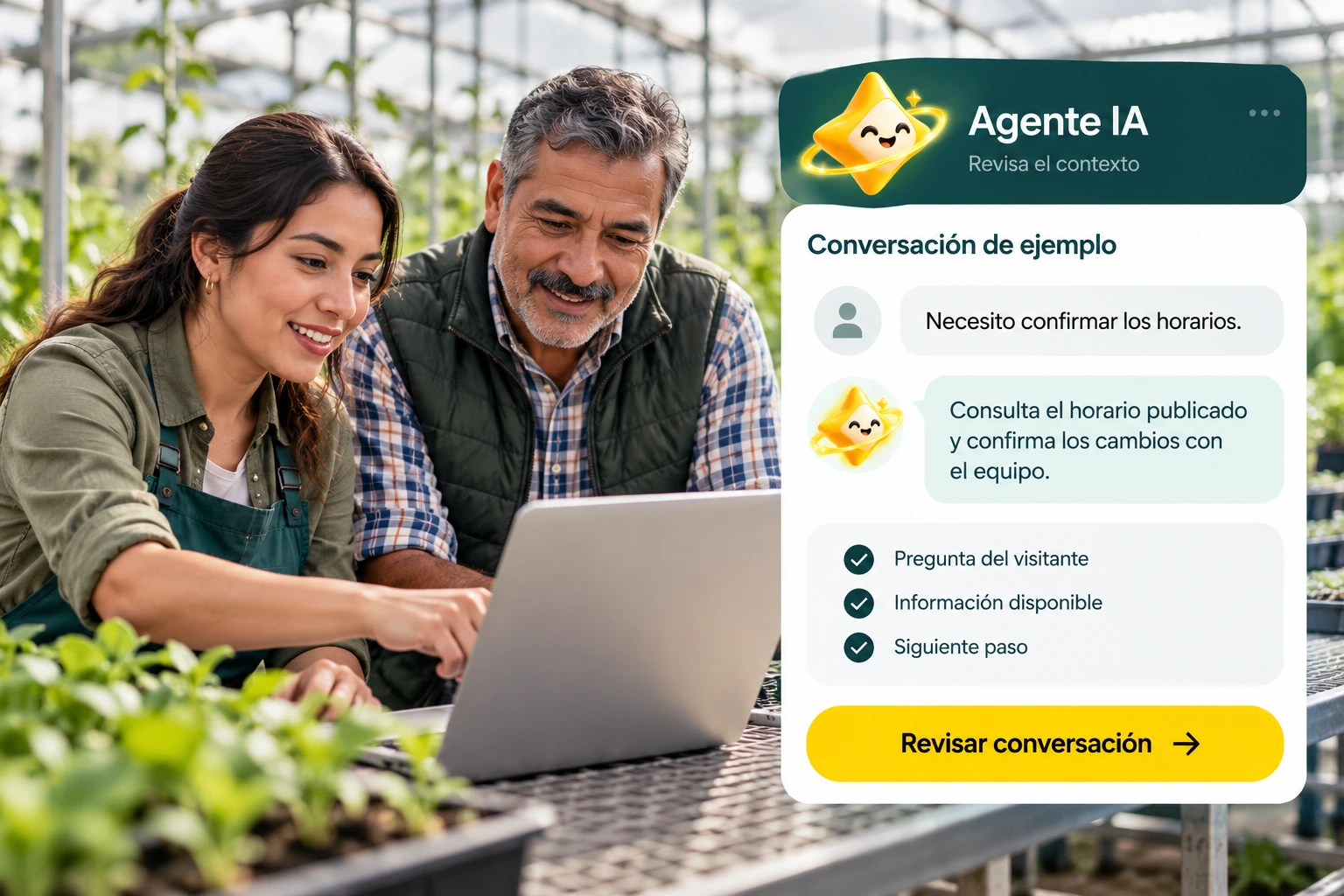
A tour that you can check.
- Select an authorized conversation.
- Identify your cause for review.
- Correct and verify a case without sensitive data.
Questions about conversations
Can I share screenshots with customer data?
Do not post them without proper basis and authorization. To explain routes, use identified fictitious examples.
Does Review Conversations automatically modify the agent?
The review helps to investigate; changes must be applied to the corresponding fonts or settings.
Can my entire team see them?
Access depends on the permissions and authorized scope of each account.
See the actual steps and controls.
Settings depend on your account permission, integration, and scope. The guide documents how to locate options without confusing an illustration with a completed trade.
Open the corresponding guide →Take this experience to your business.
Review business options and scope before subscription.
Know the options →I already have an account