
Your agent should describe your business—not someone else’s.
Business data establishes who the agent represents and how a visitor can continue. Review name, services, location and contact with the same care as a public business listing. Incorrect information can direct the person to a place or channel that does not correspond.
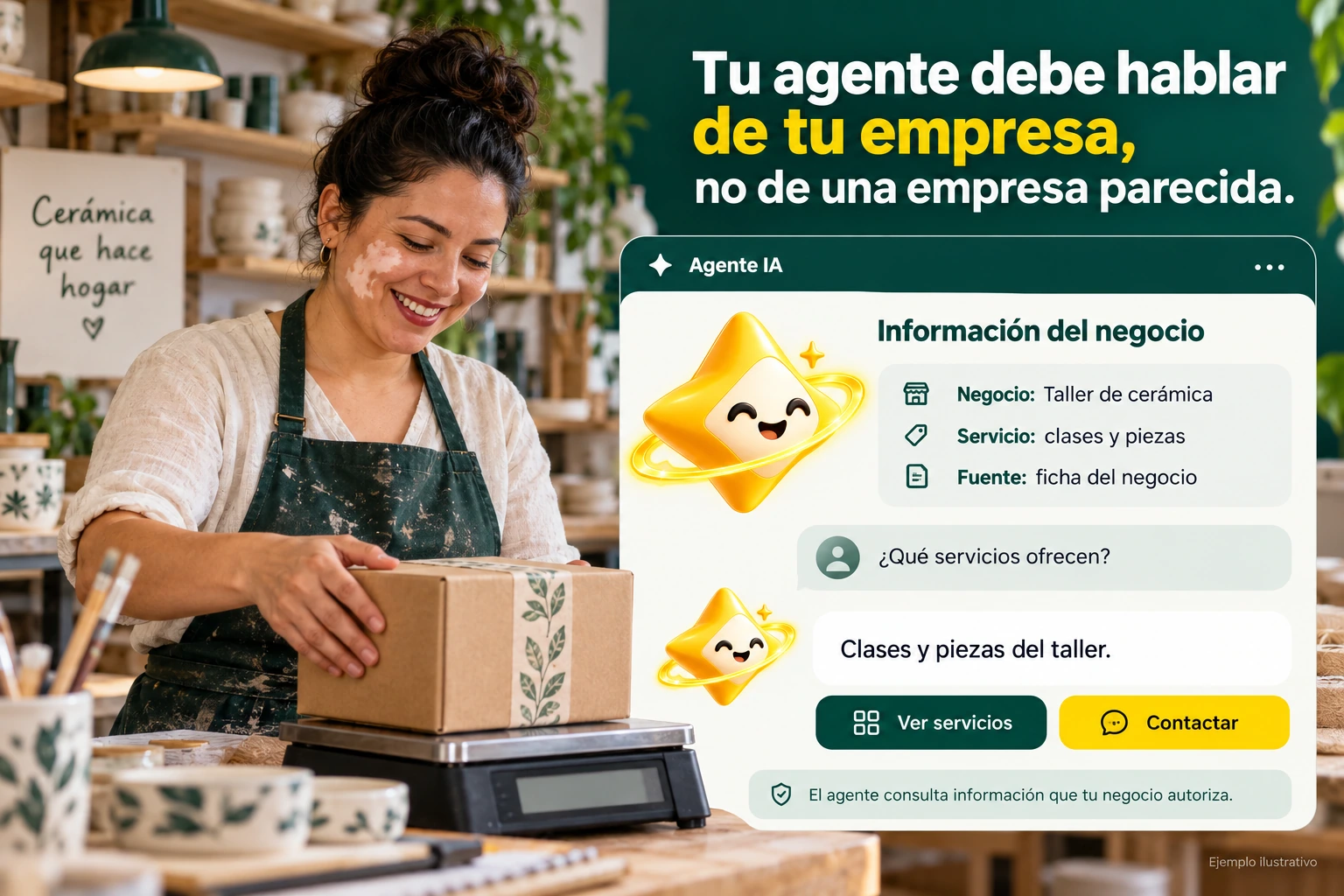
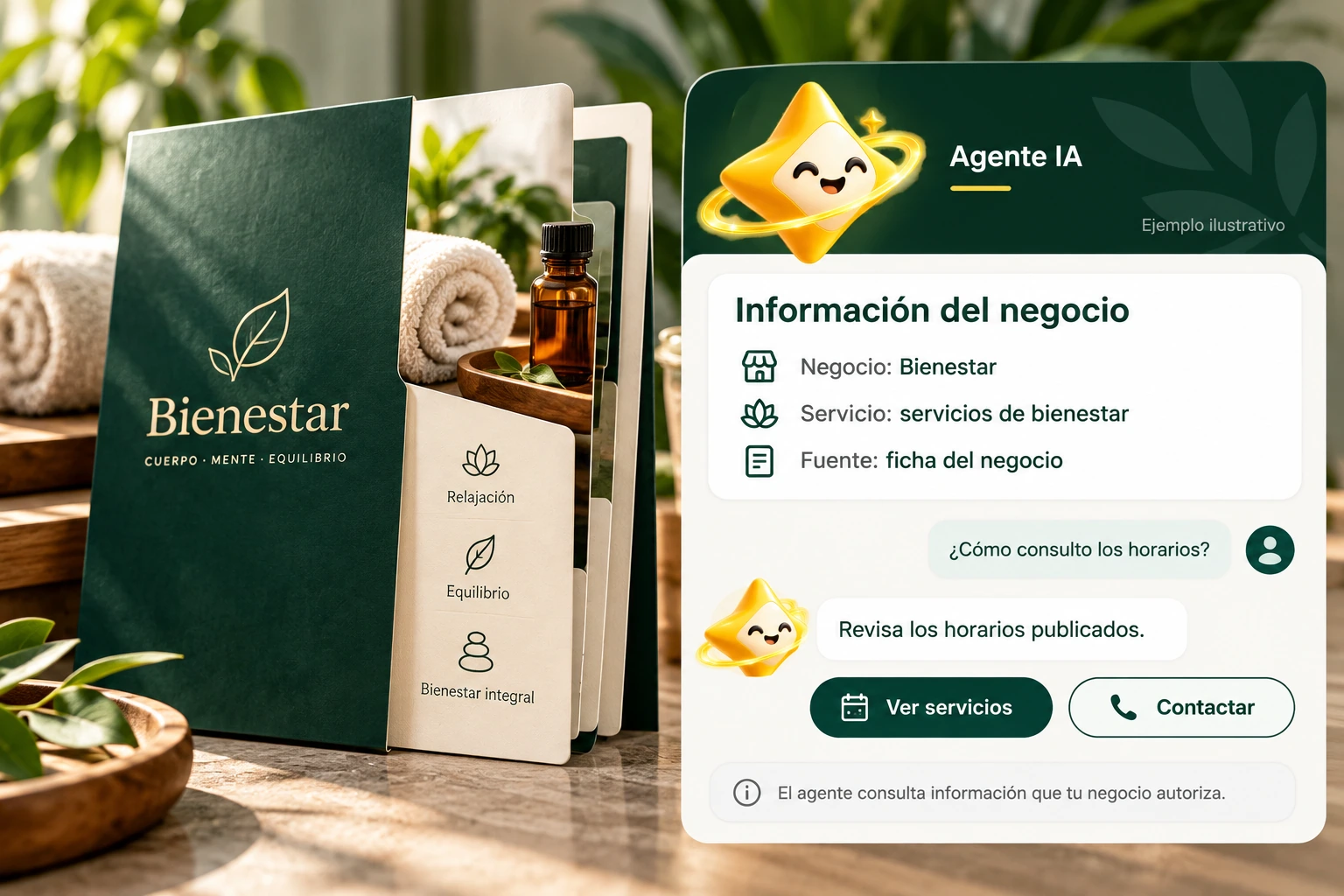
Clear identity and scope from the beginning.
Select the correct site before editing. If you manage multiple businesses or locations, verify that the data belongs to the chosen context and describes the current offer.
Avoid copying conditions from another company to complete fields. When data is missing, investigate its source or leave the limitation identified rather than turning an assumption into business information.
- Check the selected site.
- Check name and offer.
- Distinguish locations and companies.
Two locations, one specific question
If a company serves more than one location, check how each location is distinguished in the sources and on the listing. A question about address or local attention needs data from that context. Do not assume that the agent can separate branches if the connected information does not allow it.
Explanatory example; It does not consult your account or modify data.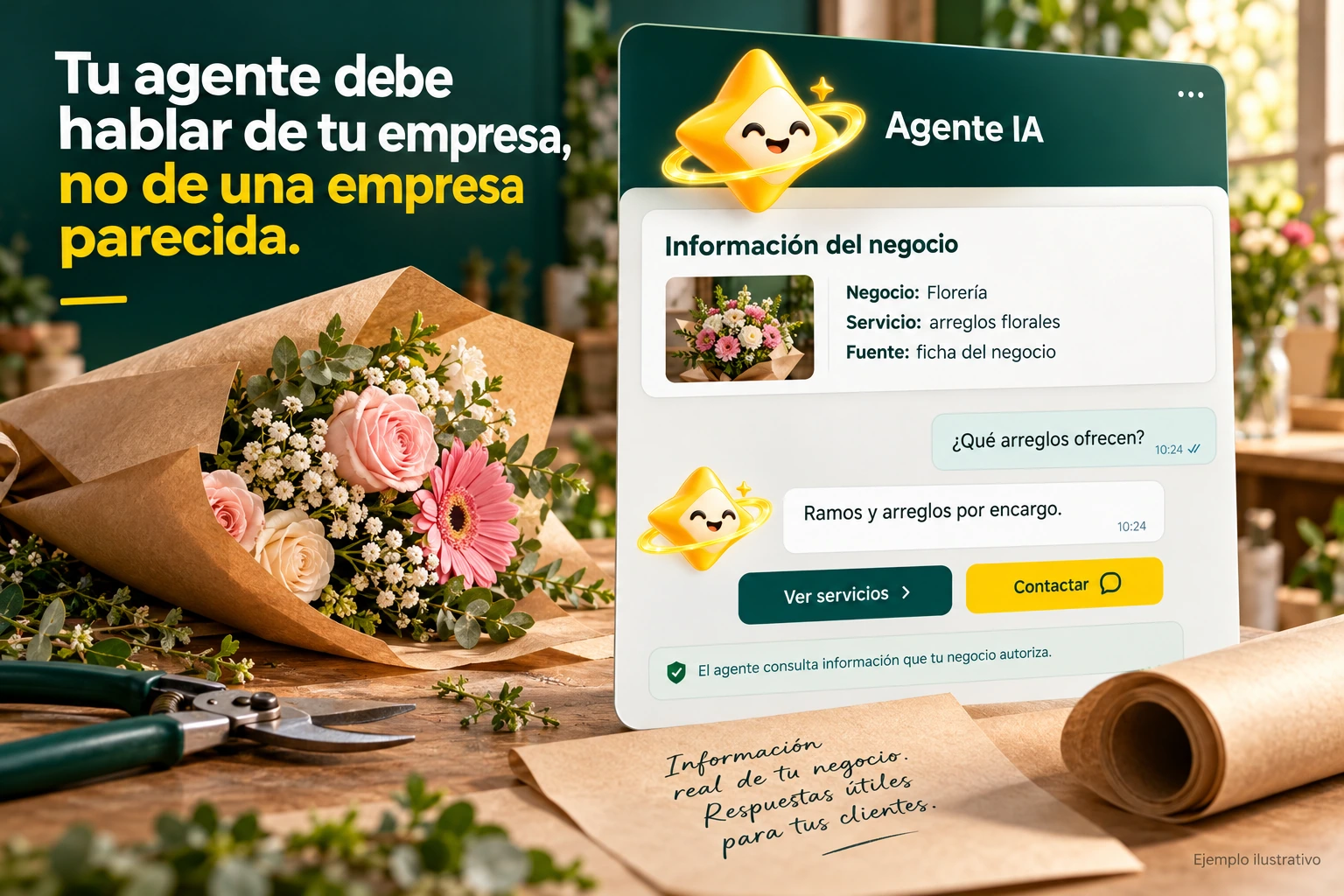
Contact and times that can be used.
Check links, telephone numbers and service conditions that are available in the settings. Test destinations on mobile and desktop without publishing demo numbers as your company contact.
Keep someone accountable for this data and re-verify it after operational changes. The channel may no longer be useful even if the agent continues to present the same response.
- Validate each contact destination.
- Check the conditions of care.
- Review changes in responsibility.
A tour that you can check.
- Select company and site.
- Review identity and service channels.
- Try location and contact questions.
Questions about your business data
Can I use data from another business as an example?
Not in a real public setting. The examples on this website are illustrative and should not become your personal information.
What do I check if my phone changed?
Update the corresponding field and check the destination opened from the installed experience.
Can style correct wrong direction?
No. Correct business information at its source.
See the actual steps and controls.
Settings depend on your account permission, integration, and scope. The guide documents how to locate options without confusing an illustration with a completed trade.
Open the corresponding guide →Take this experience to your business.
Review business options and scope before subscription.
Know the options →I already have an account