The dashboard will not open or keeps loading
Distinguish access issues, browser resources and service availability.
Reviewed October 23, 2026 · Customer guide
Steps
- Open the product’s official sign-in page and note whether you see a form, a blank screen or an HTTP error.
- Try reloading and using a private window. If it still fails, do not reinstall the plugin or delete data.
- Report the exact URL, time, screenshot and whether the public website also fails.
Possible causes
A redirect to sign-in may indicate an expired session. A partially loaded screen may be caused by a blocked resource. Loading that never finishes in other browsers may indicate a service issue. These are clues to investigate, not automatic diagnoses.
What support should check
Dashboard and API HTTP responses, redirects, JavaScript errors, process status, memory and logs around the incident. Restarting may recover a process but does not establish the cause. Do not blame the cache without checking it.
How to verify it worked
The dashboard must load, allow authentication and display your account content; an HTTP 200 response alone is not enough.
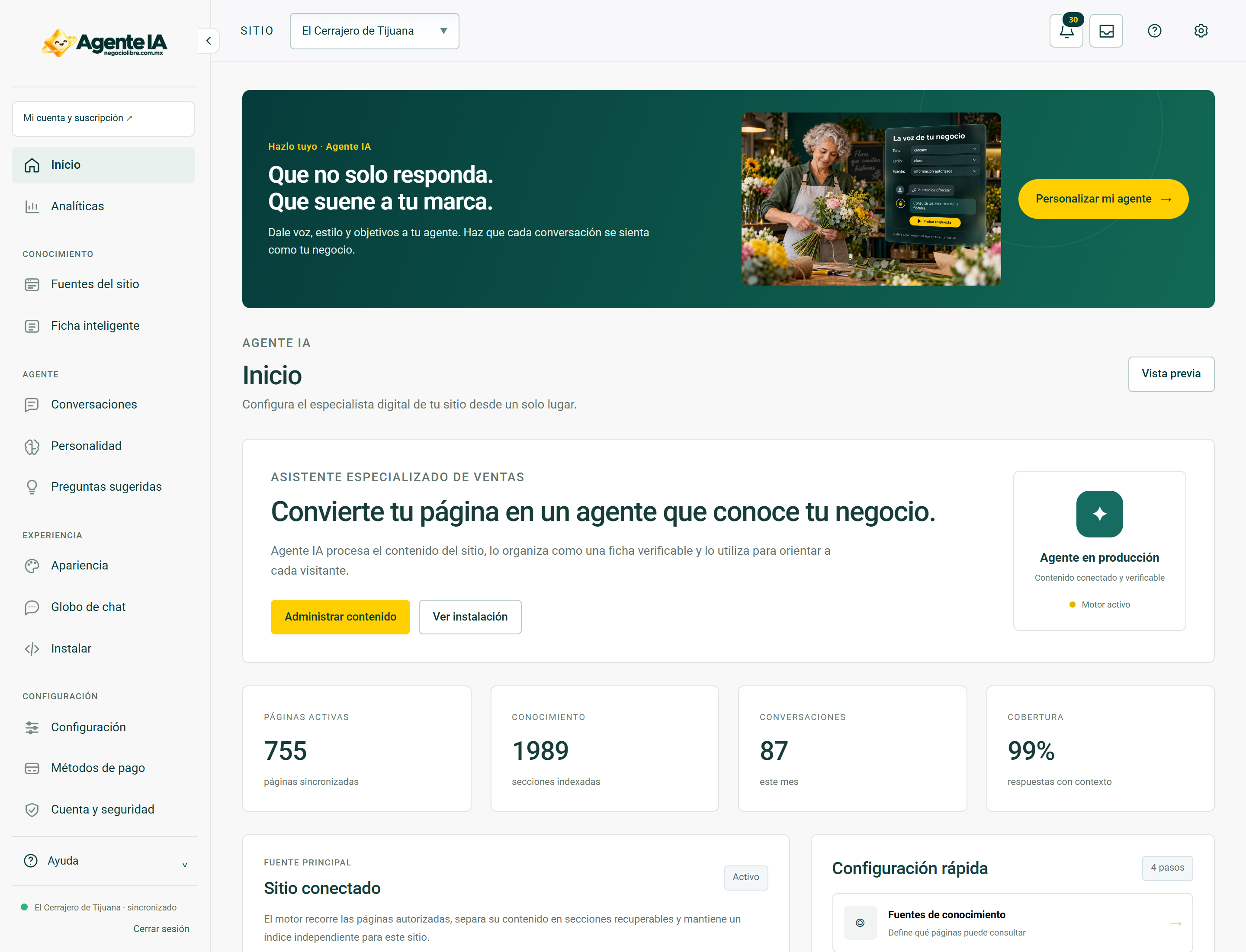
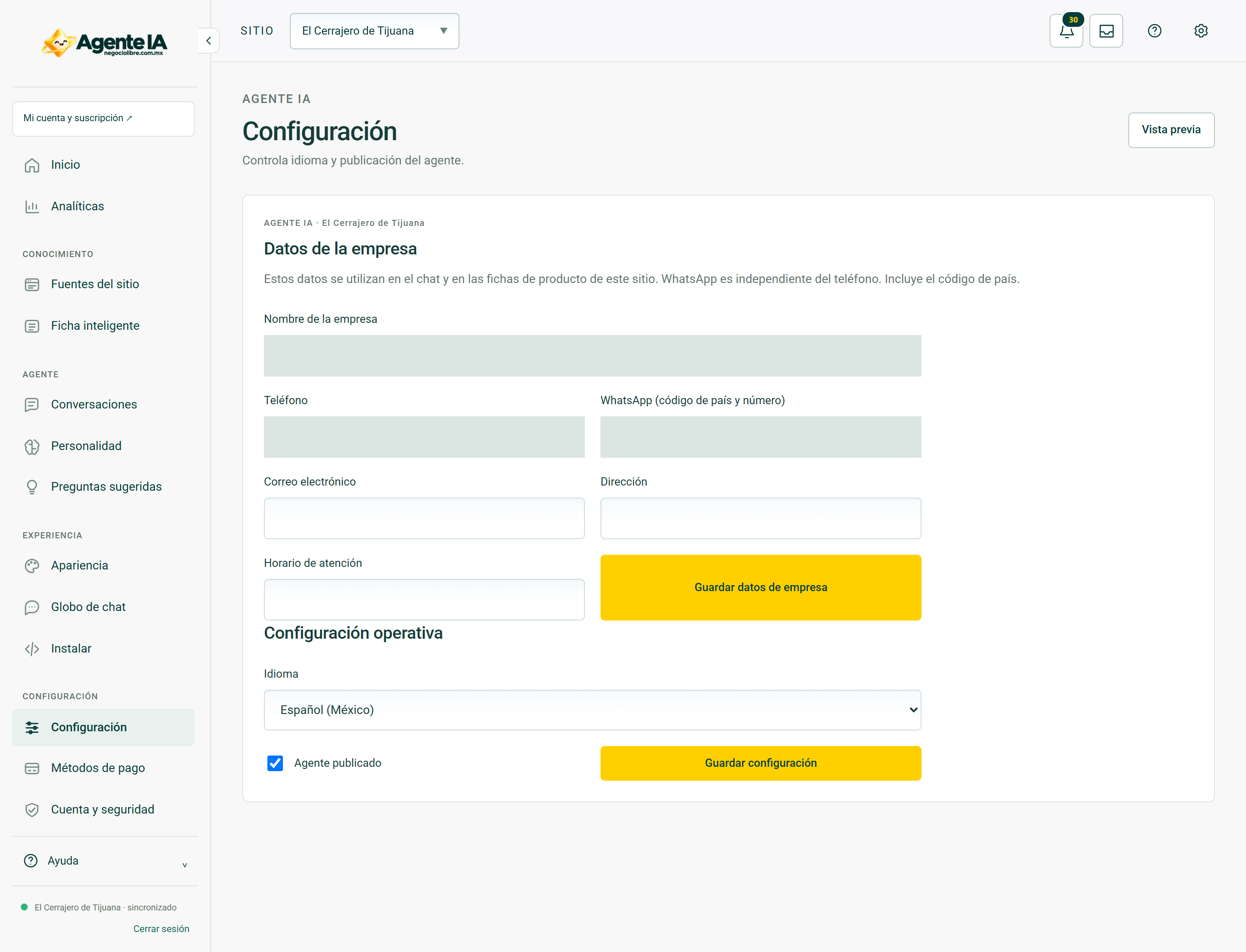
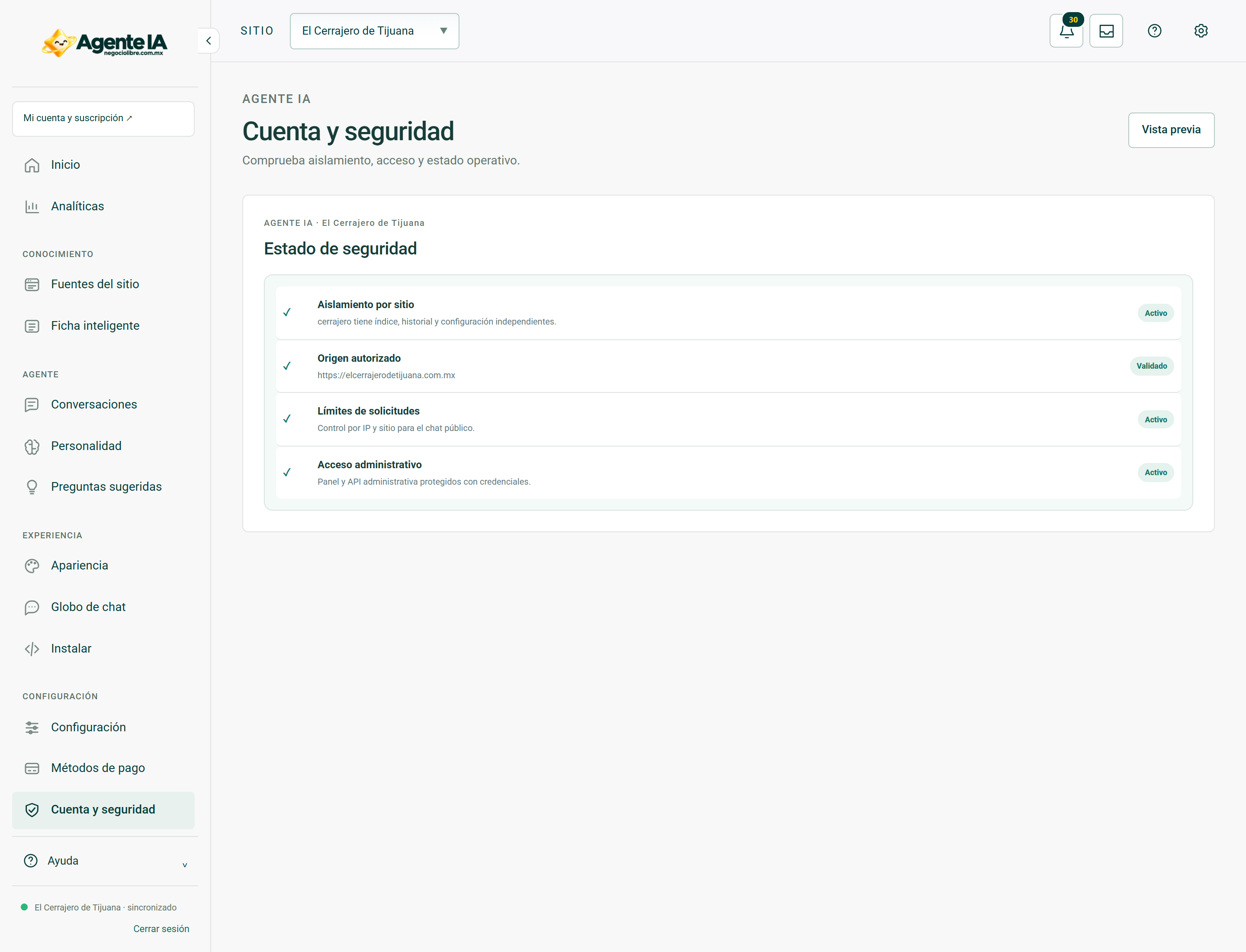
Real screens to guide you
These screenshots document system views with private fields hidden. In access and troubleshooting guides, they show the context you should be able to review after recovering your session; they do not show a simulated error or a sign-in form.