
Operations
Understand agent analytics
Review activity without confusing messages, responses and technical calls.
Reviewed October 23, 2026 · Customer guide
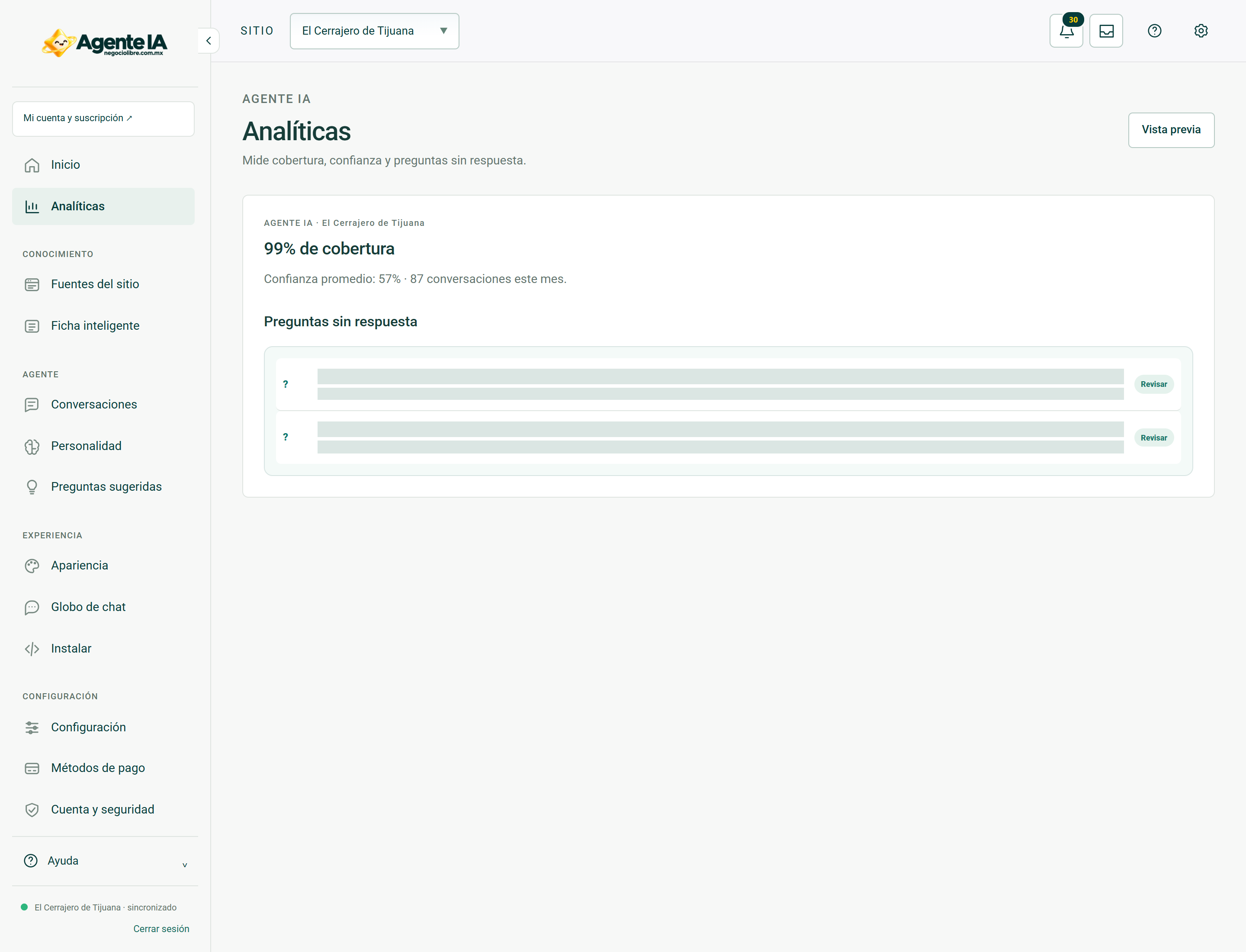
Read about this screen’s controls →
Steps
- Open Analytics with the correct site and period.
- Read the labels on each meter and review unresolved questions or available referrals.
- Relate the changes to sources and settings, not just volume.
- For commercial consumption see My Account; for supplier expense, internal administration.
Different units
A message from the visitor, a response from the agent, and a call to the provider are not the same unit. A response may require more than one technical operation. Do not use an accountant without its definition to charge or diagnose.
Responsible interpretation
A conversation does not prove a sale. Contacting an advisor also does not confirm a purchase. Review the commercial result in the order system or the corresponding service process.
How to verify it worked
The report is interpreted by its unity and scope, without promising income from the number of conversations.