Sign in, sign out and recover access
The dashboard session and the purchasing account serve different purposes.
Reviewed October 23, 2026 · Customer guide
Steps
- Open the product’s sign-in link and enter your username or email and password.
- If you forgot your password, use account recovery. Check your spam folder too, and do not share the recovery link.
- When you finish on a shared computer, sign out from the dashboard. Closing the tab is not enough.
Dashboard and purchases
Your product account lets you manage your stores or websites. WordPress/WooCommerce is used for subscriptions, orders and billing; it should not be confused with operational dashboard access.
If a sign-in link takes you to the orders area, return to the product’s sign-in page. Report the source and destination URLs; do not send your password.
If you cannot sign in
Check that you are on the correct domain, that your email has no extra spaces and that your browser is not using an old password. If you return to the sign-in form, try a private window to distinguish a session issue from a service outage.
How to verify it worked
You should see the product name and only the stores or websites authorized for your account.
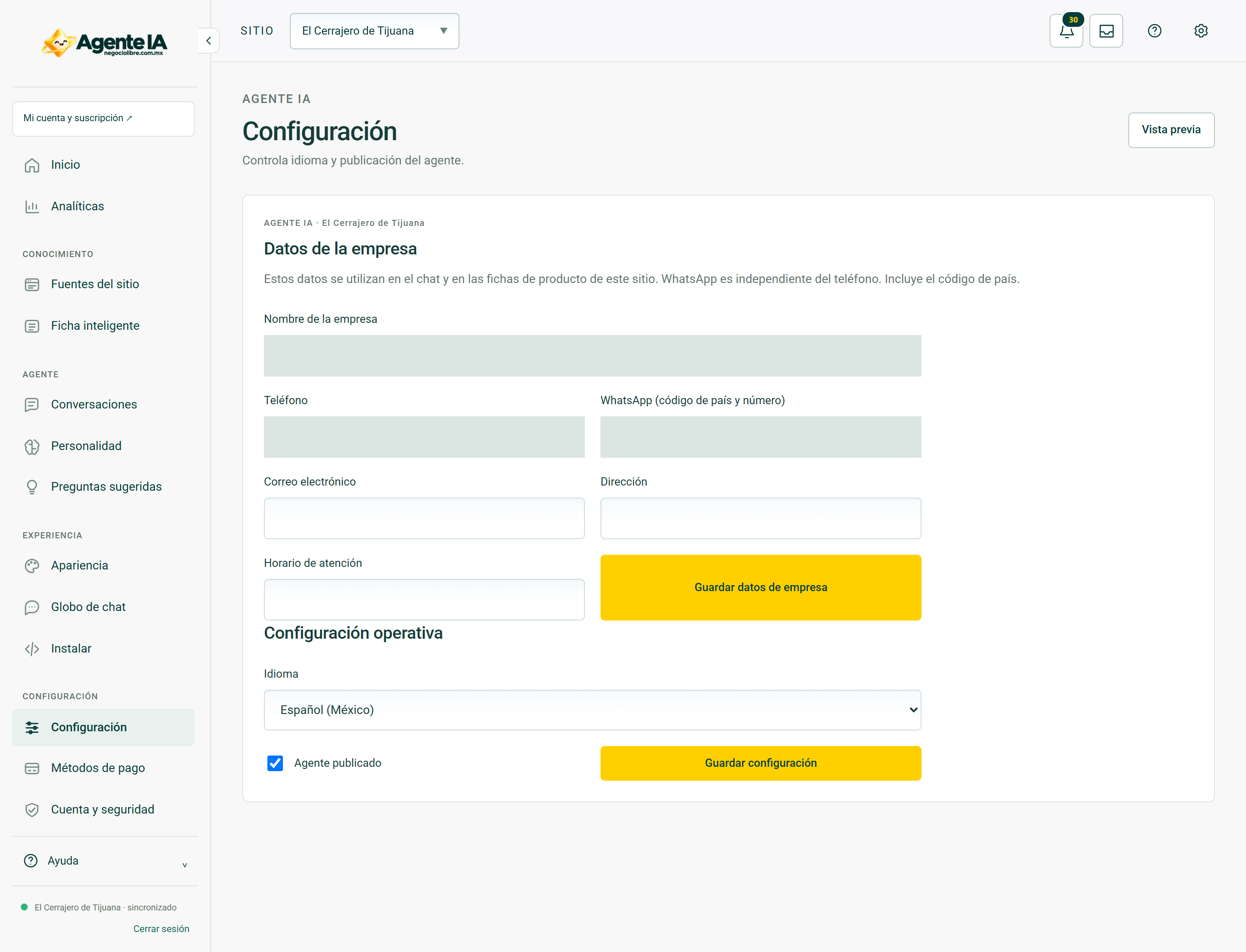
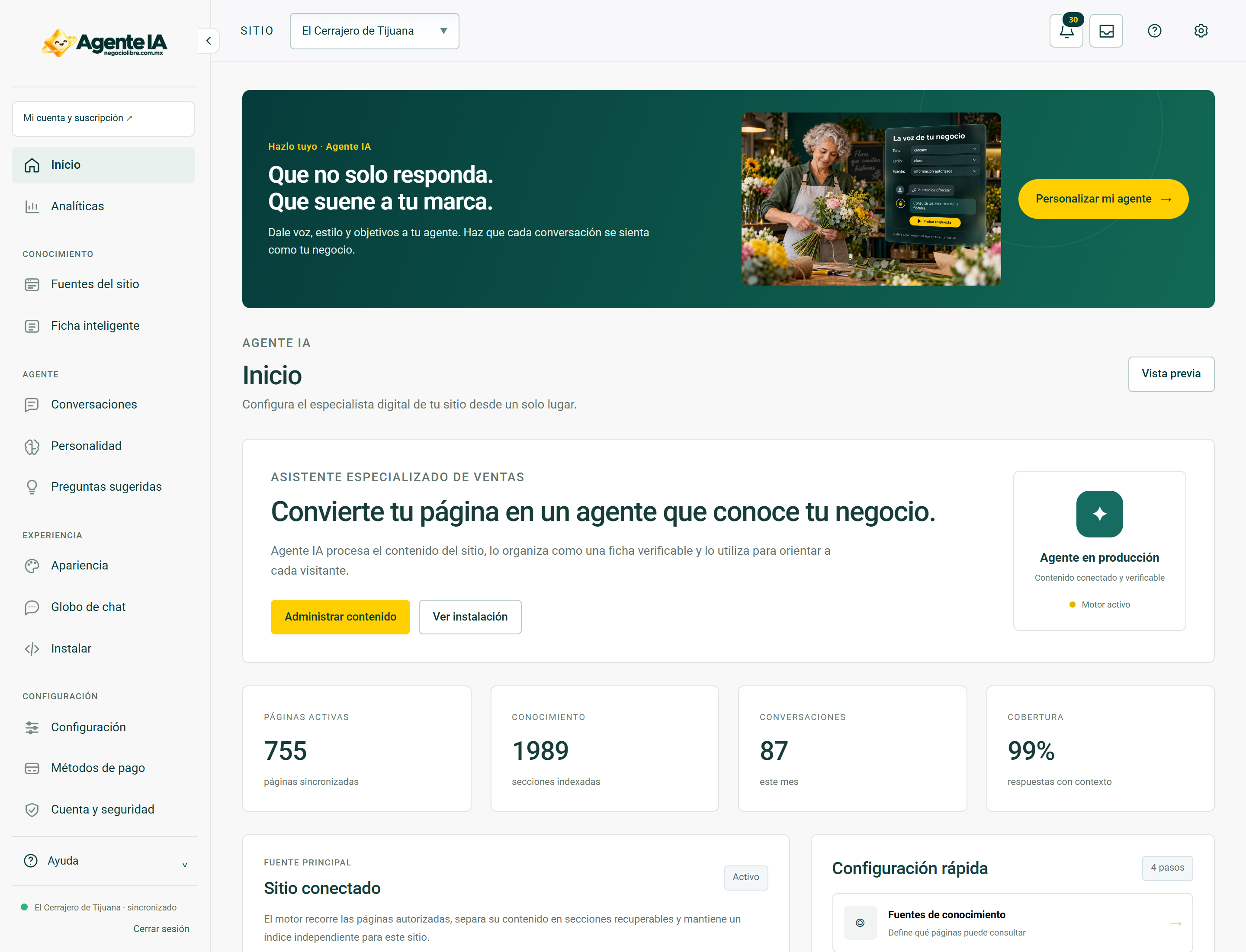
Real screens to guide you
These screenshots document system views with private fields hidden. In access and troubleshooting guides, they show the context you should be able to review after recovering your session; they do not show a simulated error or a sign-in form.
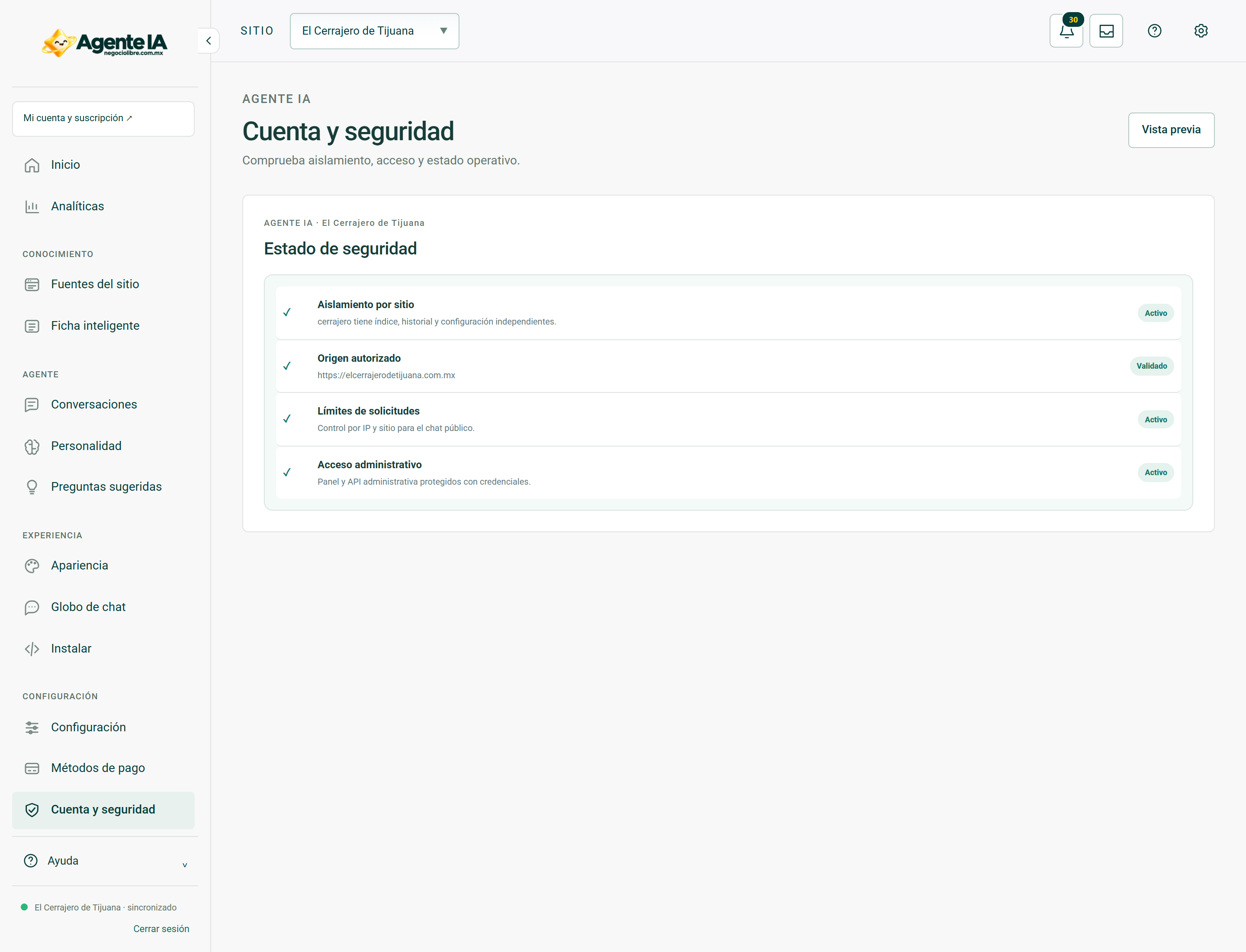
View account and security controls →