
Knowledge
Review the smart business profile
Check how your business information was organized.
Reviewed October 23, 2026 · Customer guide
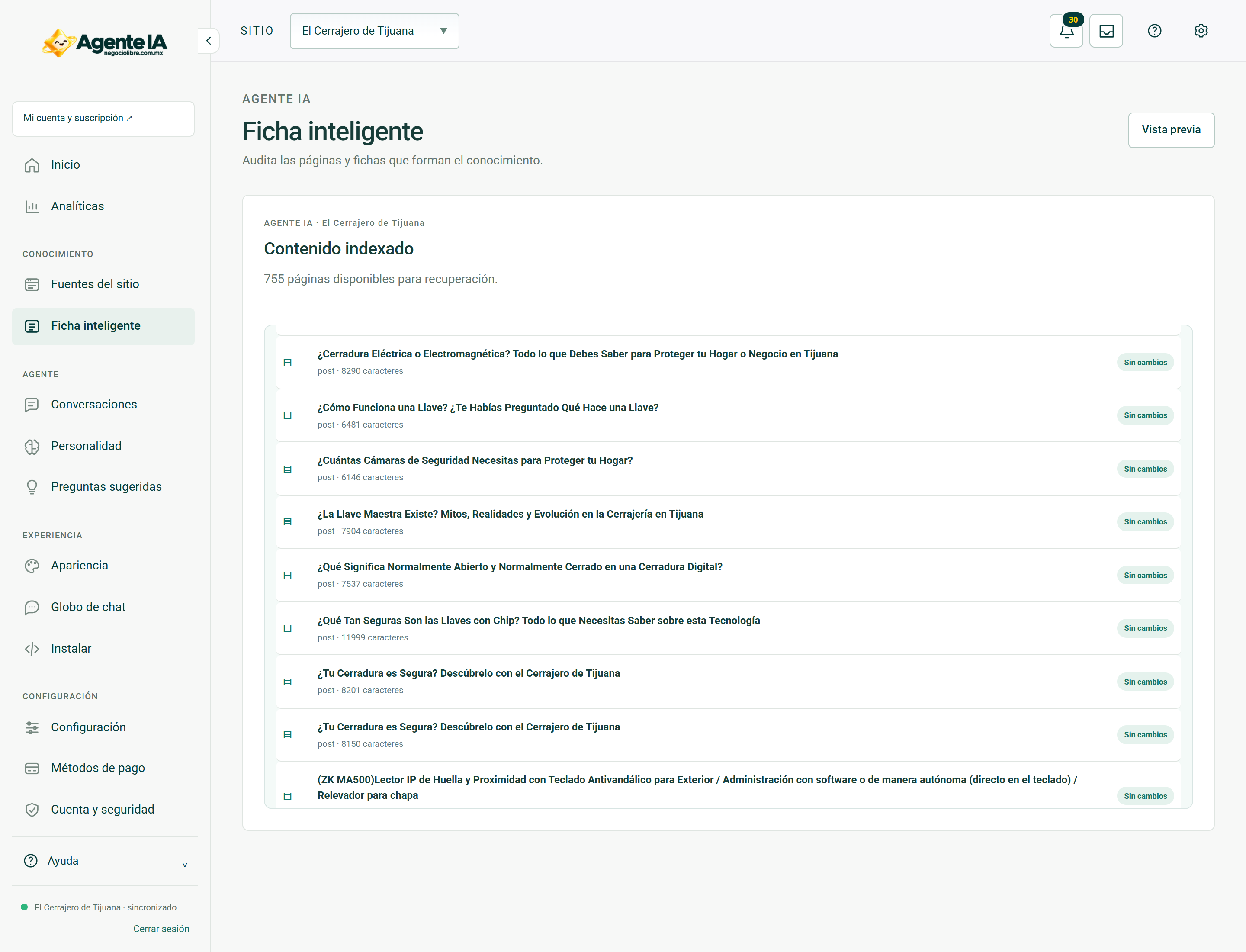
Read about this screen’s controls →
Steps
- Select the site and open Smart Tab.
- Review identity, services, commercial data and references shown in the product page.
- Correct the source data or the corresponding business field first.
- Sync if the change affects site content and test again.
Tab vs instructions
The card represents business information; Personality defines how you communicate. Do not put a new price in the tone to contradict the catalog. Don’t use instructions to hide missing information.
Unconfirmed data
If a feature is not published or configured, it should be verified. Avoid absolute phrases like “always available” or “compatible with everything.” Operational data, such as phone or WhatsApp, must be kept in your business fields.
How to verify it worked
The answers do not contradict the sheet and the configured data coincides with that published.