A voice with purpose
Defines how you should speak and what objective you should achieve. Close does not mean informal without limits; Technical does not mean incomprehensible. Your team can review these criteria in Personality.

Adjust the agent’s tone, instructions, and presentation. A coherent experience begins with clear objectives and limits that you can verify.

Correct information can be explained in several ways. Your brand may need a close response, a technical explanation, or brief, direct guidance. The agent’s personality serves to define that way of communicating, without turning style into an excuse to change the facts or promise something that your business does not offer.
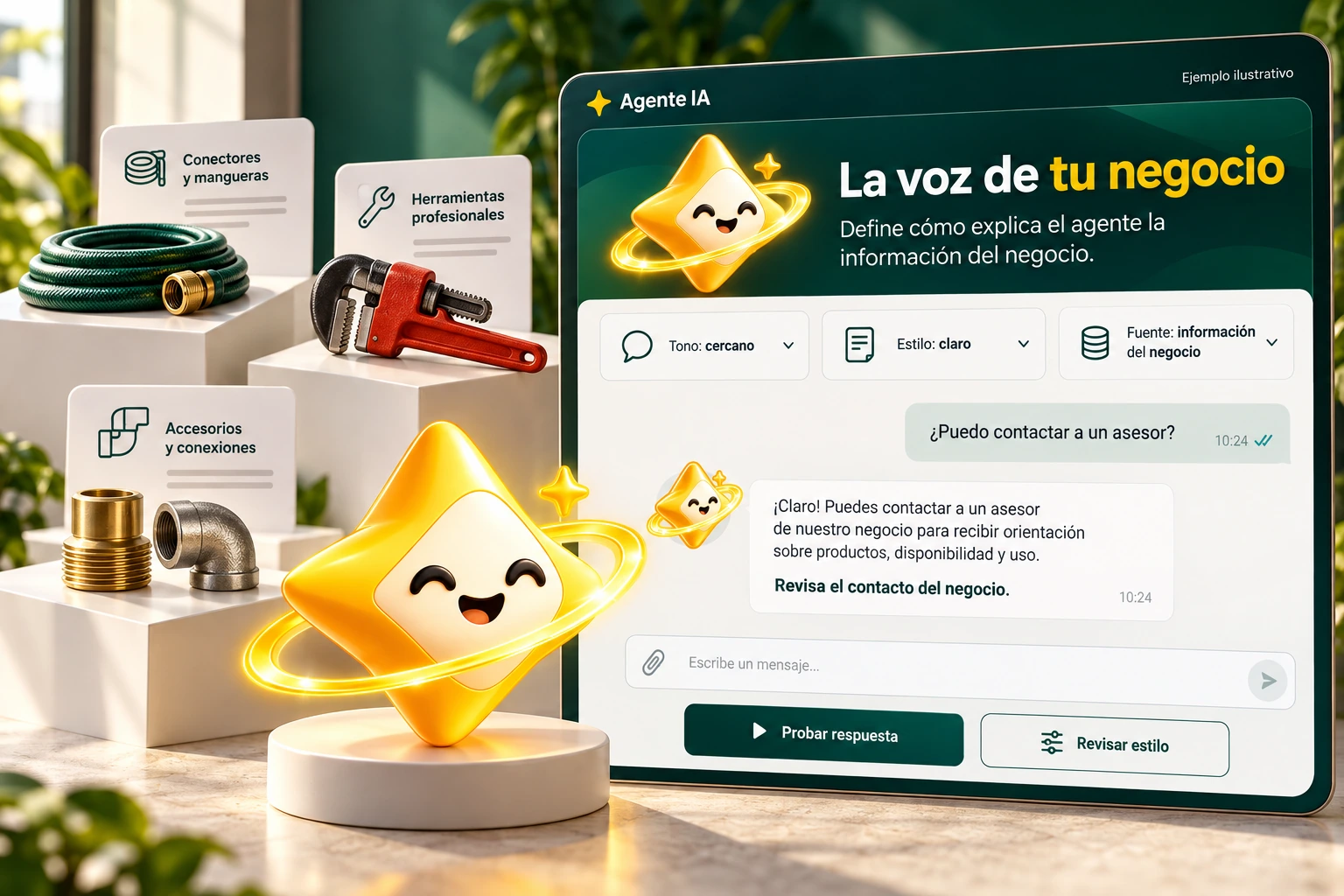
Before choosing adjectives for personality, define who the agent is serving and what they are supposed to help them solve. A visitor comparing services needs information and a next step; An excessively long or informal response can hinder that goal even if it seems friendly.
Set up observable instructions: how to say hello, when to ask for clarification, and how to explain a boundary. Then try the same case with different formulations. A friendly tone should preserve the conditions of your offer and a technical one should remain understandable to the person asking.
The selector on this page displays illustrative styles; It does not modify the personality saved in your account.
Use the selector to explore this example. Your business settings are managed from the authenticated panel.
Illustrative demonstration with fictitious data. You don’t look at an actual catalog or make calls to an AI vendor.

The visitor also interprets the color, the avatar, and the way the speech bubble appears. Review the appearance options available for your account and build a recognizable presentation, with readable text and chat access that does not interfere with the main content of the site.
Check out the full experience on mobile and desktop. Open and close the balloon, check the contrast of messages, and verify that text entry and contact access are clear. Personalization works when the whole is understood, not just when a screenshot looks attractive.
Appearance and personality are different settings. None replace the maintenance of business information.
Defines how you should speak and what objective you should achieve. Close does not mean informal without limits; Technical does not mean incomprehensible. Your team can review these criteria in Personality.
The appearance and chat bubble options allow you to adapt the presentation to your business. Check colors, identity and reading on both desktop and mobile.
Validates common questions, missing information and contact requests. A colorful response does not prove that the entire conversation is working correctly.

Set the tone and conversation instructions and review the appearance options available in your dashboard. Then test the result with queries from your clients.
You should change the way you explain, not the facts. Hours, services and conditions must continue to correspond to authorized information.
Review the identity, avatar, colors and chat bubble options available for your account and see how they work on mobile and desktop.
In the authenticated agent panel. The selectors on this landing page are local demos and do not alter your settings.
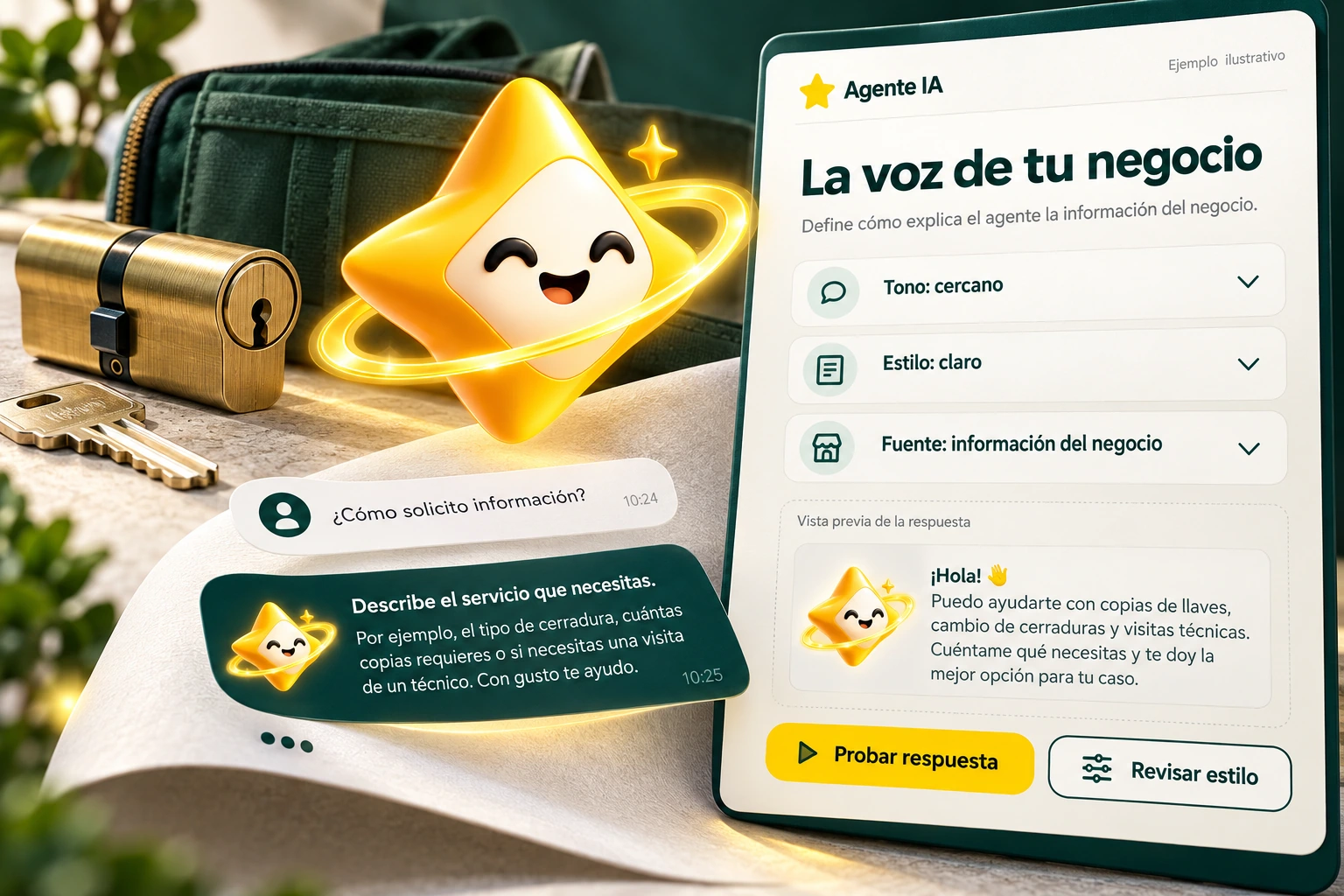
Connect authoritative information and organize the data your visitors need. Build a knowledge base that you can review, correct and maintain.
Explore solution →
Help the visitor continue with an advisor using your company’s contact information. Maintain a visible path between agent guidance and human assistance.
Explore solution →Review the trading options and scope available for your account.
Know the options →I already have an account