The contact is born in your company
The WhatsApp number and business data are configured on the panel. The agent should use that data, not a demo number or that of another business.

Help the visitor continue with an advisor using your company’s contact information. Maintain a visible path between agent guidance and human assistance.
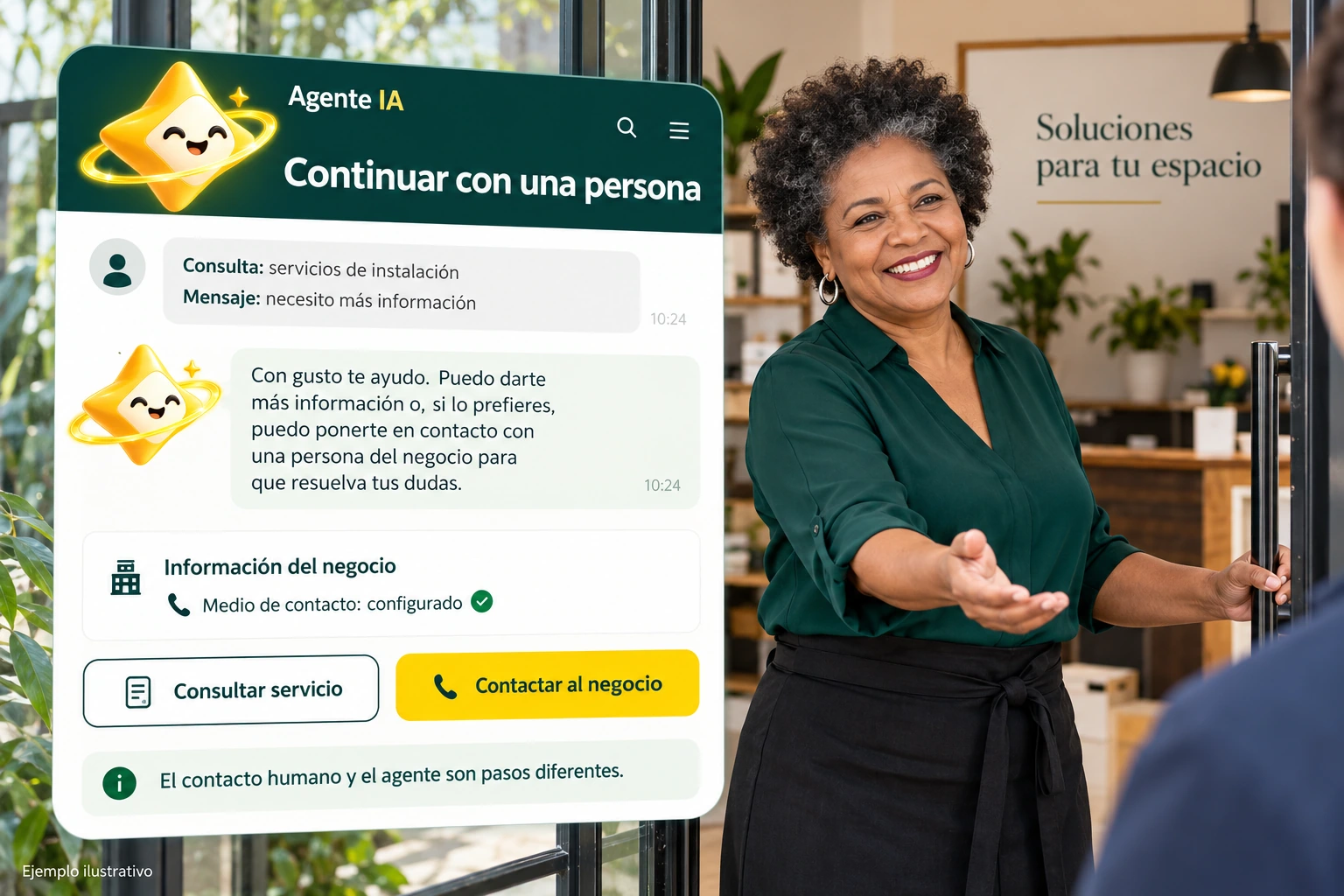
There are conversations that need a person: a condition that needs to be confirmed, a special request, or a customer asking to speak to someone. The agent can guide and show the way to your business contact. This step must be visible, correct and consistent with the care that your team can really offer.
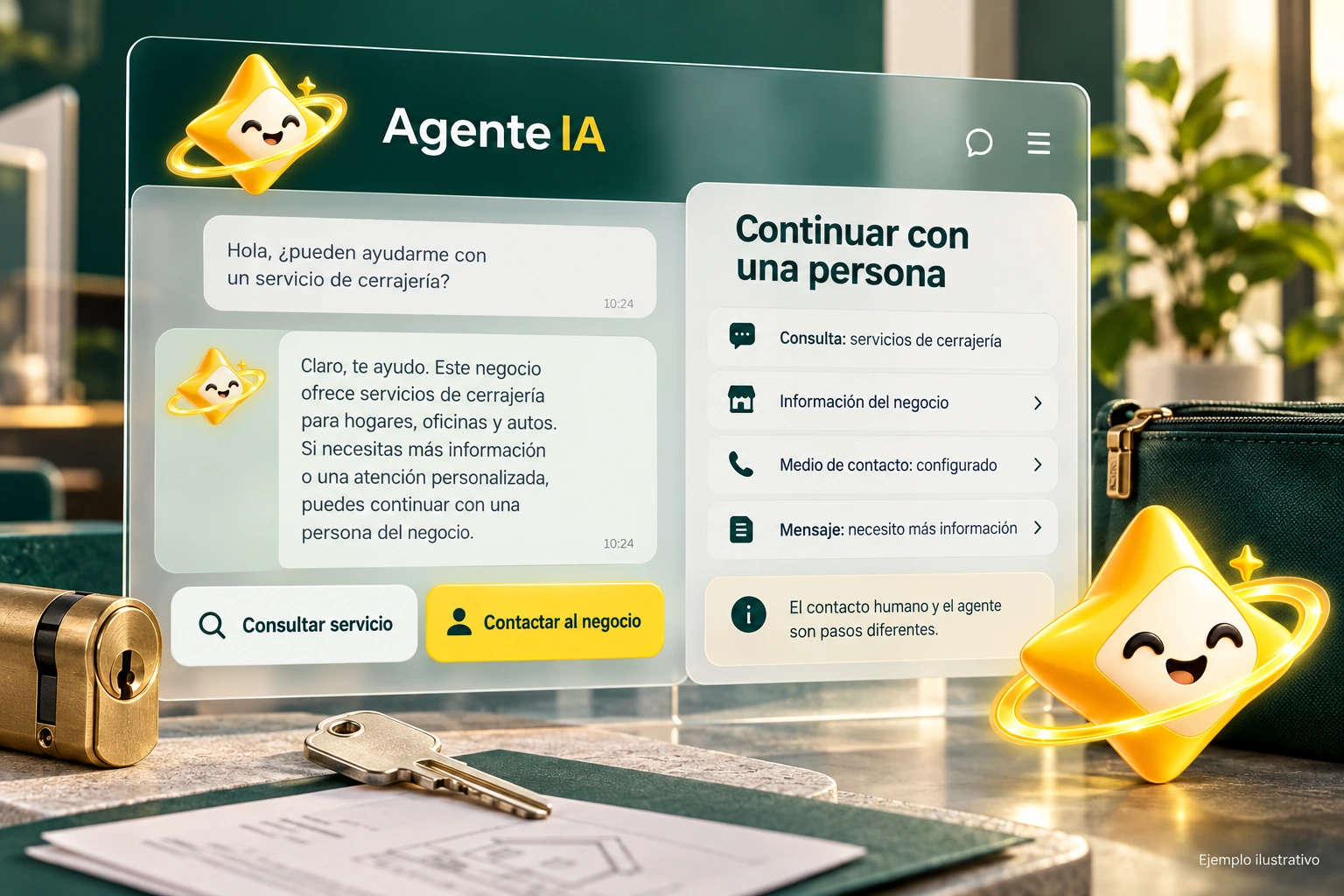
Referral to human care begins with recognizing the right moment. An out-of-scope query or explicit request for an advisor should not produce another lengthy explanation that prevents you from continuing. The message should indicate how to contact and make it clear what will happen when using that access.
Prepare the company’s contact details and check the destination that the button opens. If you use a link to WhatsApp, check the number, the country and how it works from mobile and computer. A contact link is not the same as transferring a conversation to an integrated contact center.
No automatic history transfer or permanent human availability is promised.
Use the selector to explore this example. Your business settings are managed from the authenticated panel.
Illustrative demonstration with fictitious data. You don’t look at an actual catalog or make calls to an AI vendor.
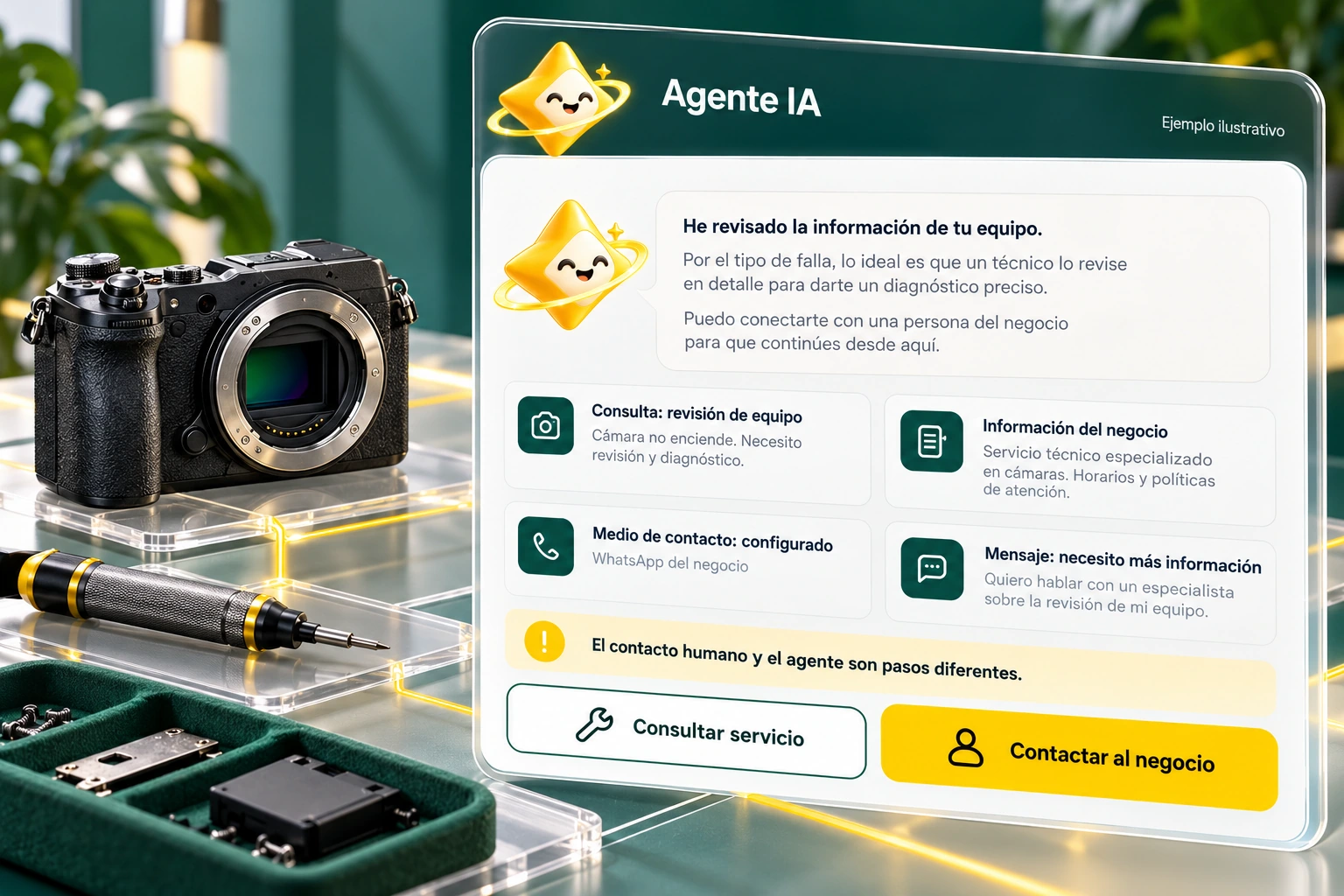
A correct button may no longer be useful if it points to a number that no one no longer answers. Include the contact in the agent’s periodic review and test it again every time the person in charge, the telephone number or the way your company responds changes.
Align the message with your schedule and response expectations. If the equipment is not immediately available, avoid promising it from the conversation. Continuity improves when the visitor knows where they are going, why they need to contact and who can help them with the next part of their query.
The visual examples do not send messages or use demo numbers as a contact destination.
The WhatsApp number and business data are configured on the panel. The agent should use that data, not a demo number or that of another business.
A request for an advisor, a question that needs confirmation, or missing information may require human assistance. The message should explain what the visitor can do next.
Test the button on mobile and desktop and confirm that it opens the correct destination. The advisor’s availability and response time depend on your operation.
When the visitor requests an advisor, necessary information is missing or the query requires confirmation that the agent cannot provide with his sources.
It can guide you towards the contact details configured for your business. Check the number and behavior of the link on your visitors’ devices.
A contact link does not equate to an integration with WhatsApp Business API or a contact center. The scope should be reviewed separately.
That service is not promised. Your business defines the team, schedules and service conditions that it must communicate.
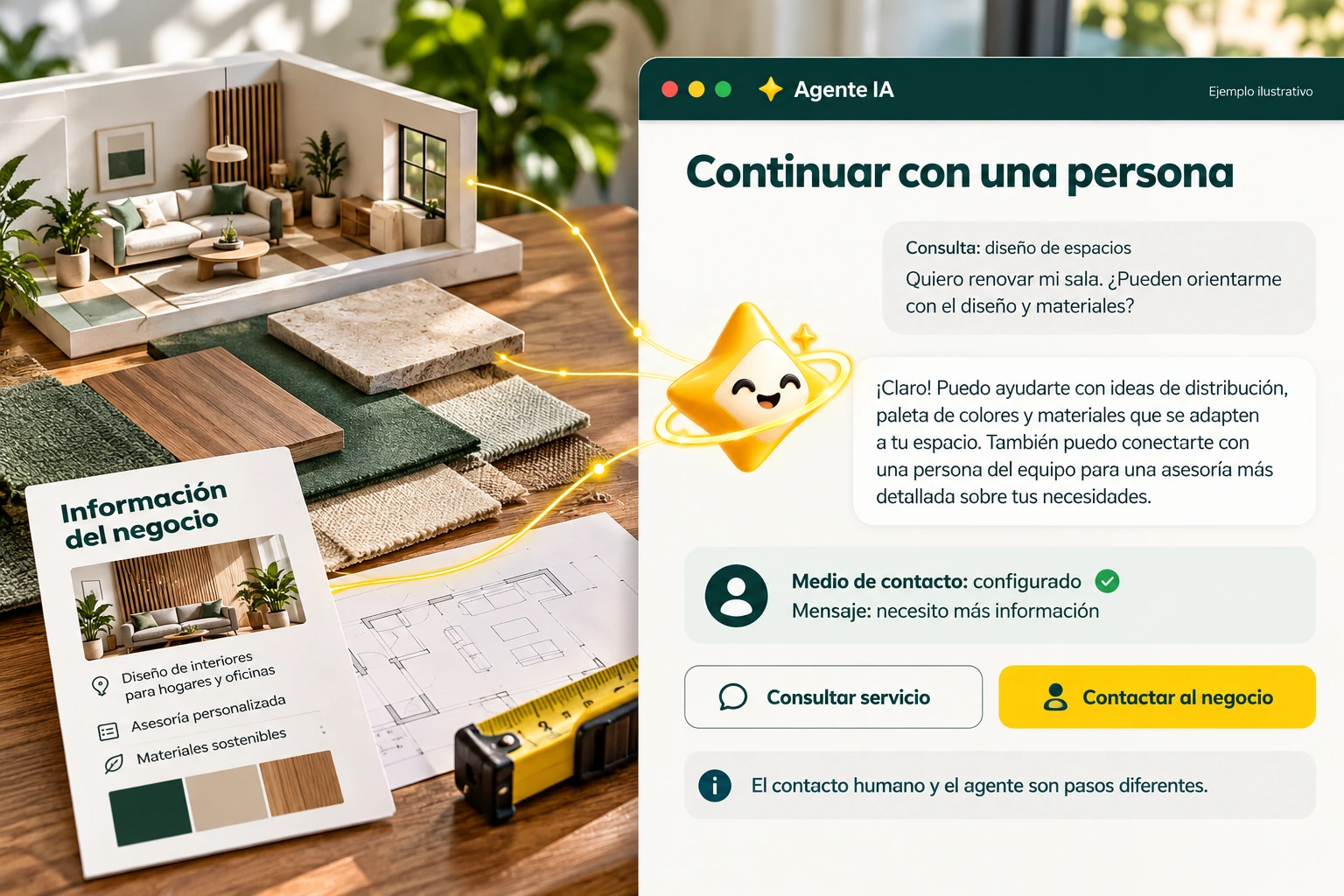
Connect authoritative information and organize the data your visitors need. Build a knowledge base that you can review, correct and maintain.
Explore solution →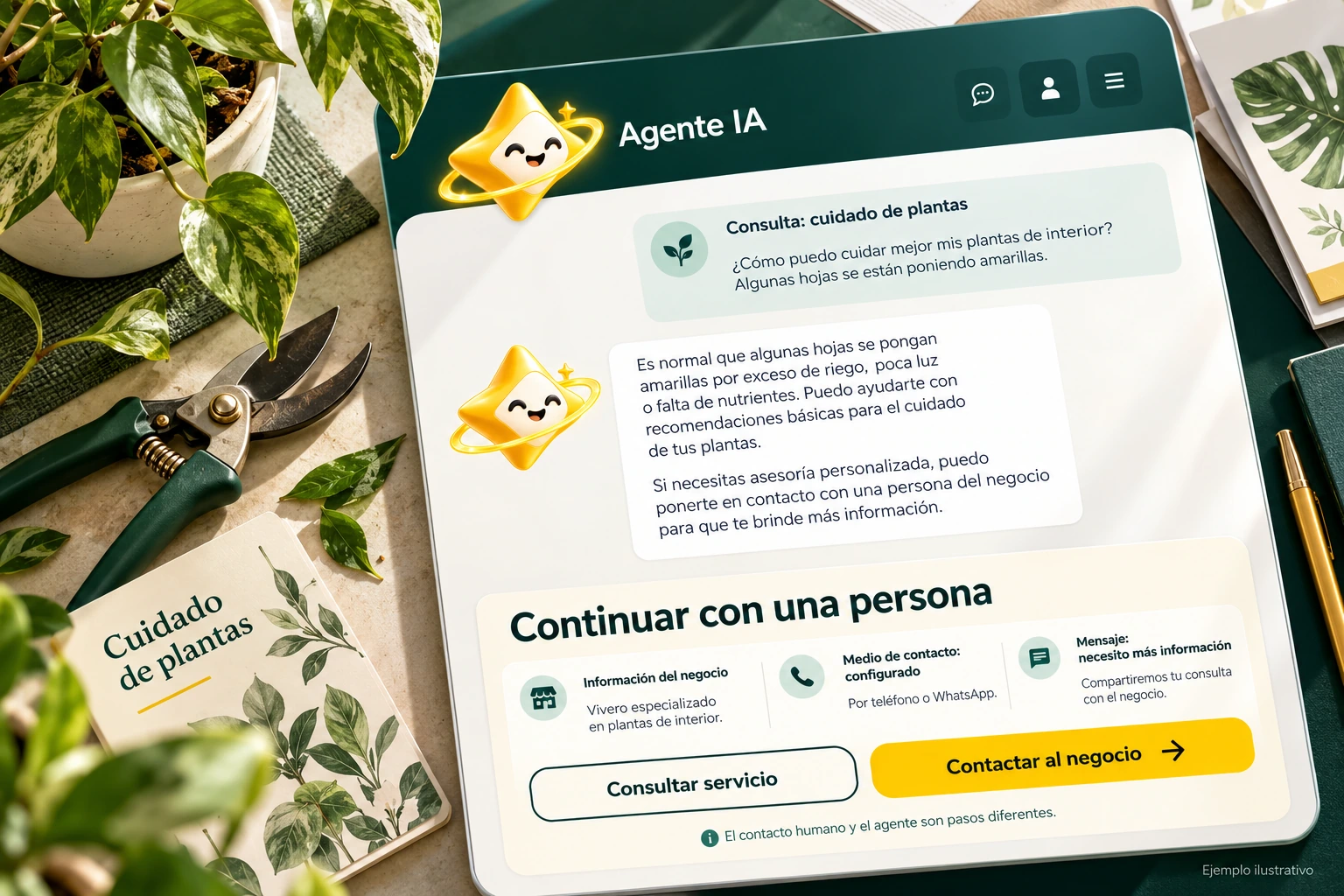
Adjust the agent’s tone, instructions, and presentation. A coherent experience begins with clear objectives and limits that you can verify.
Explore solution →Review the trading options and scope available for your account.
Know the options →I already have an account